Professional Editorial Poster Layout Guide
A complex system prompt for creating high-end editorial posters featuring split-canvas layouts, geometric abstraction, and advanced spatial depth.
Full Prompt · 100% Free337 words
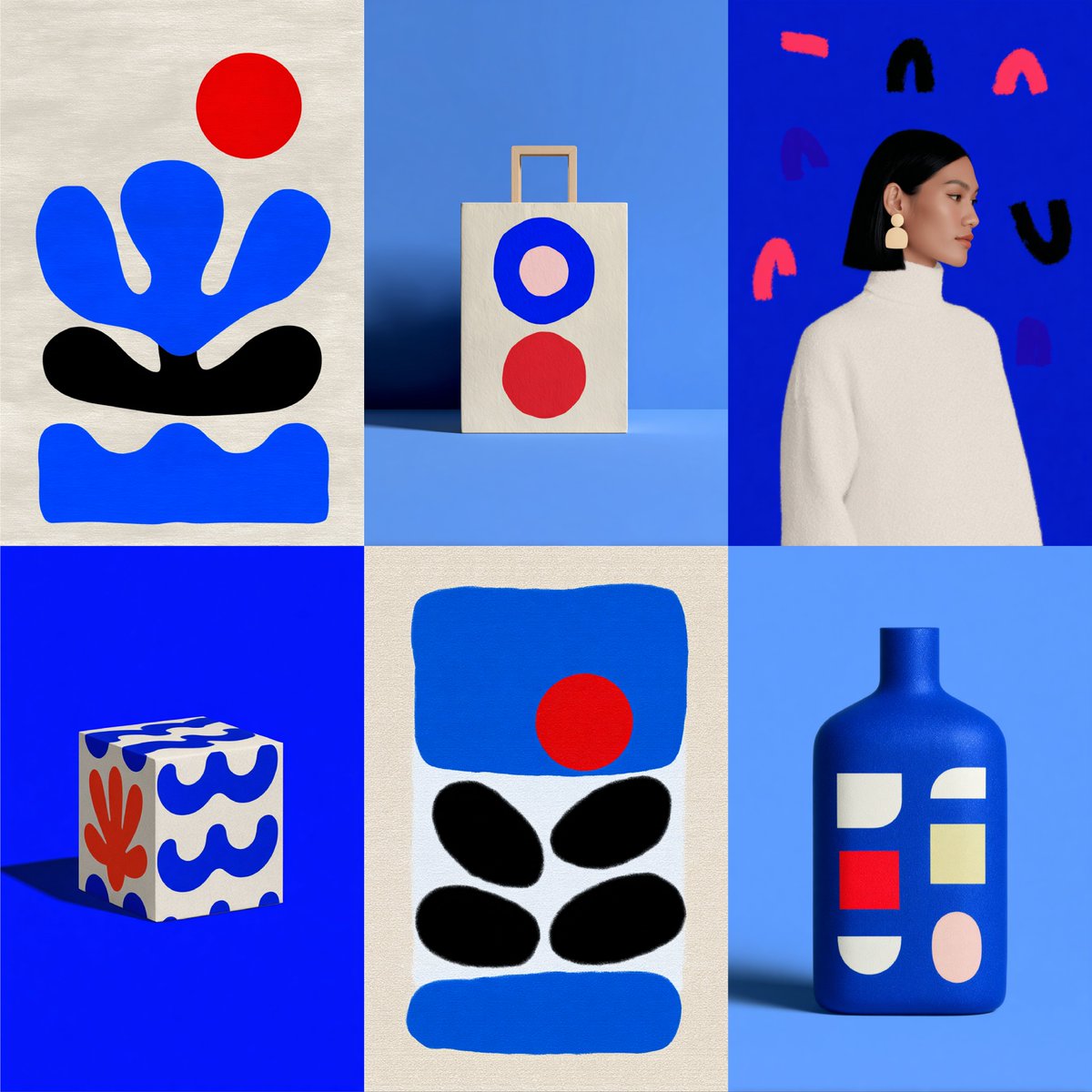
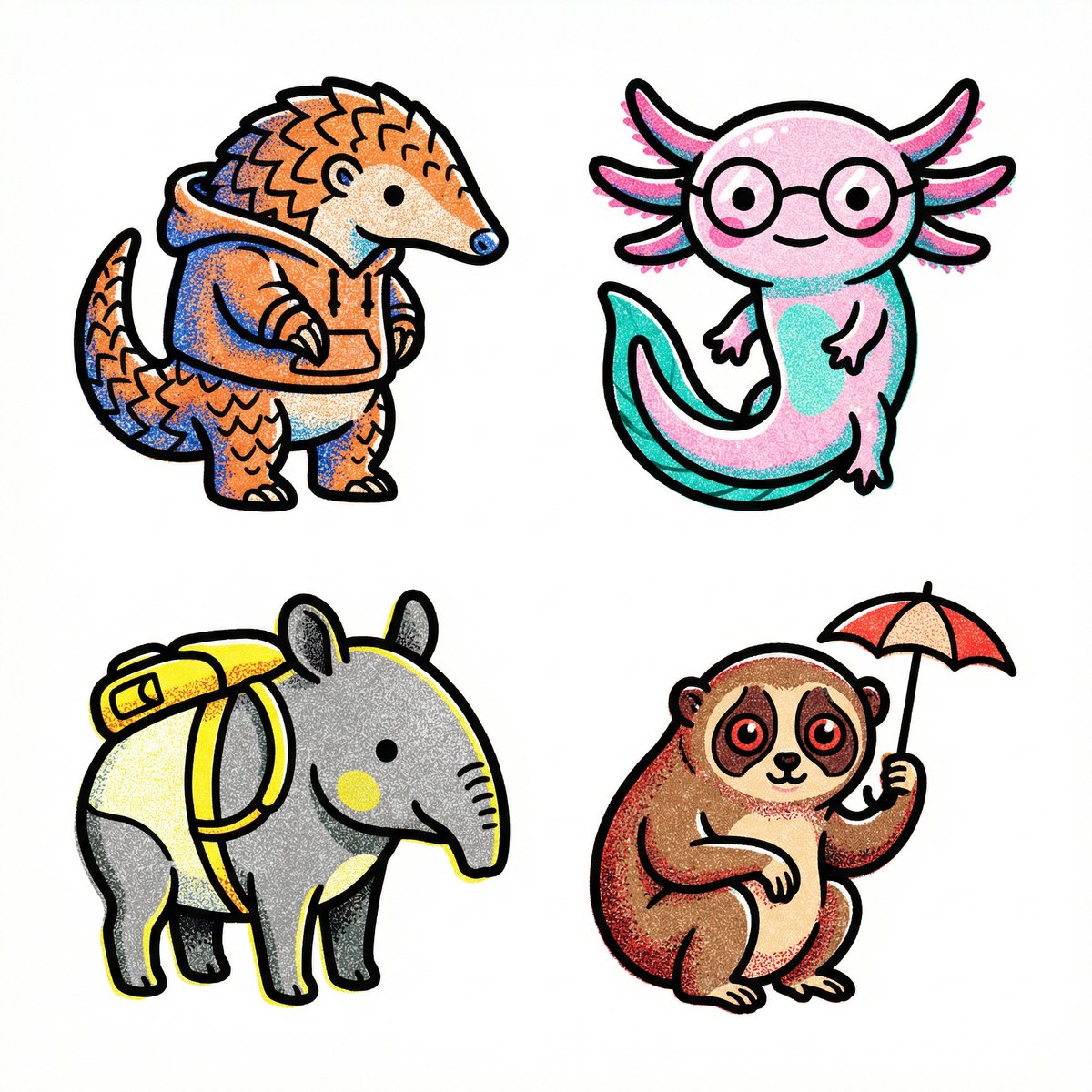
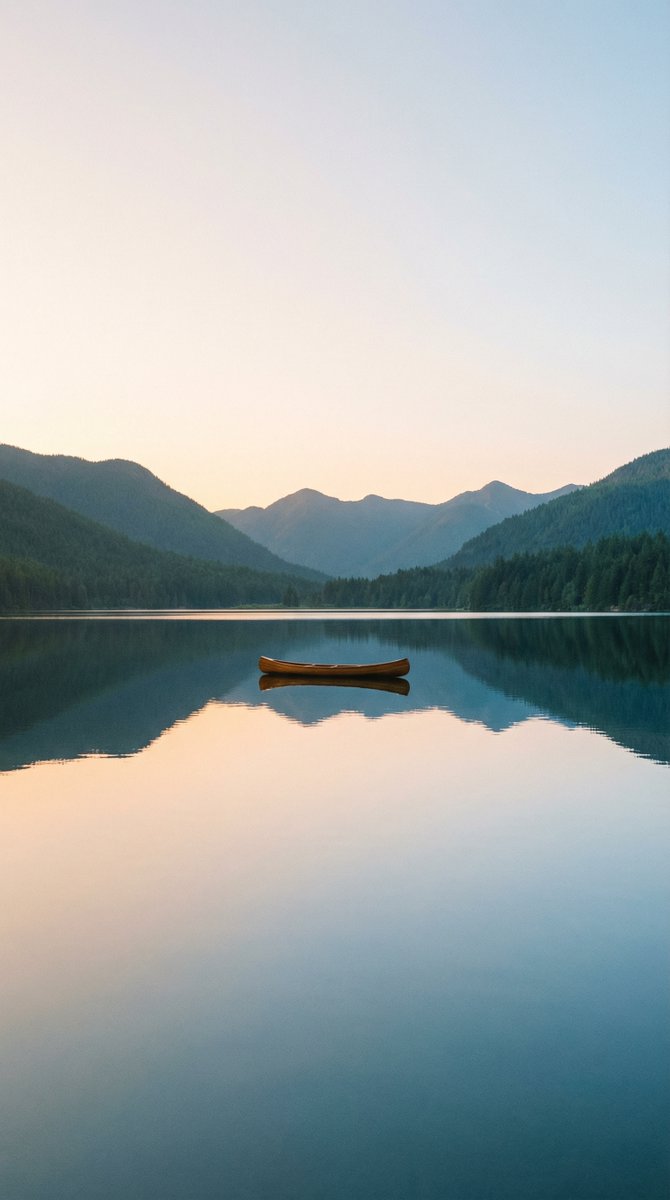
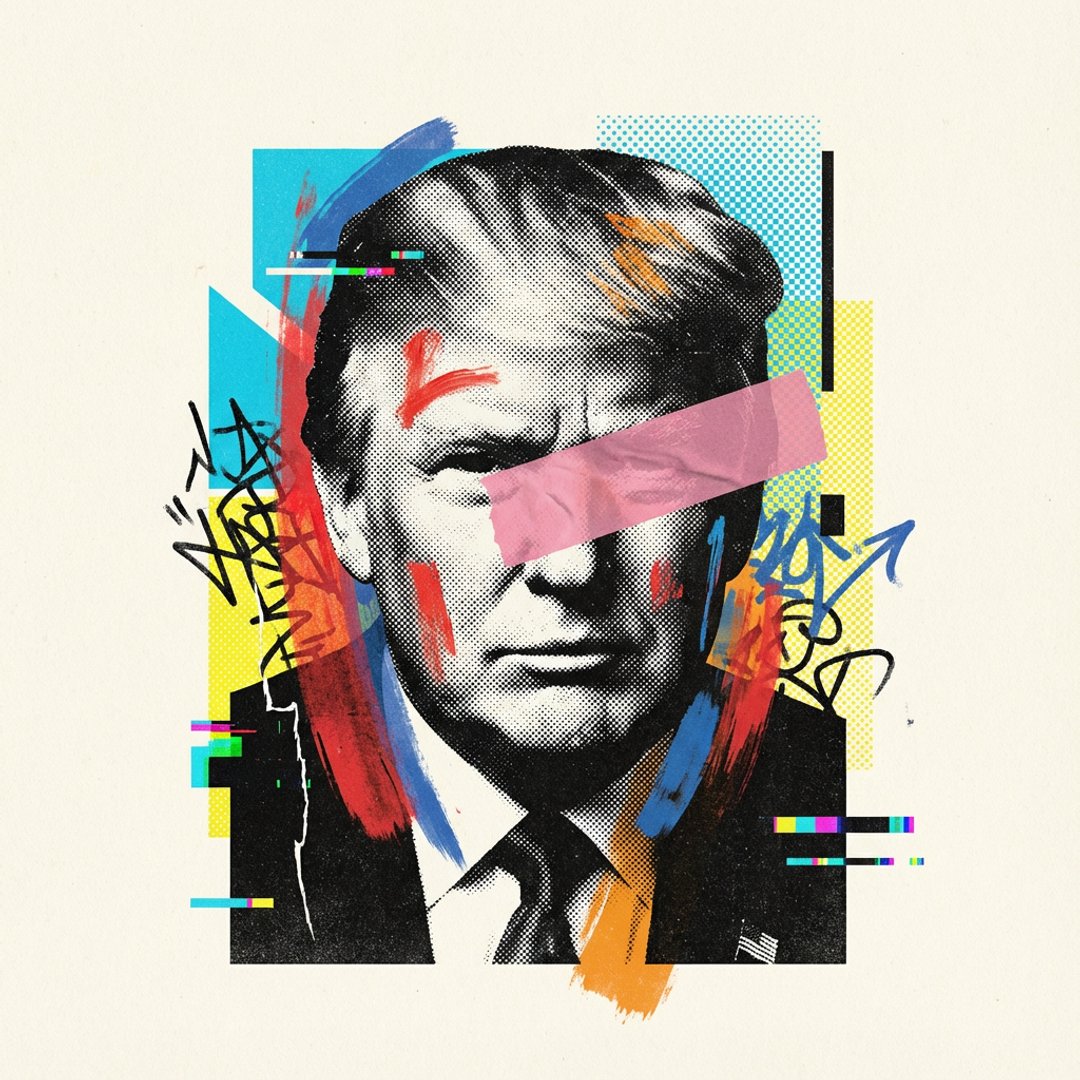
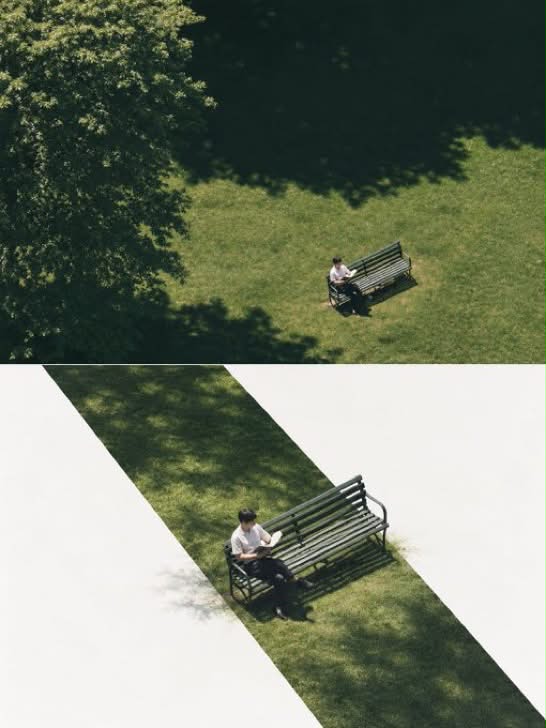
Each uploaded photo must be made into a separate, independent, premium editorial poster. Use a strict 3:4 vertical canvas. Split the canvas horizontally in the exact center: the upper half and the lower half each occupy 50% of the height, are equally wide, and equally high. The upper half uses the original photo directly and must not be regenerated. Preserve the identity of the main subject, the human body or architectural structure, proportions, perspective, spatial relationships, texture, natural light and shadow, color, and environment in their entirety. Only slight cropping and restrained premium color grading are permitted; re-drawing the main subject, fictional light, HDR, excessive saturation, plastic texture, and fictional content are prohibited. When needing to adapt to the frame, only environmental areas such as sky, water surface, ground, walls, plants, or background can be extended. The lower half extracts and reconstructs the 'narrative core' of the photo: it can be a single primary subject, or a group of related elements that together embody the photo's identity, scale, action, or story relationship. Maintain its realistic, recognizable appearance, proportion, internal structure, texture, and relative position. Do not remove important related elements, and do not directly use rectangular photo cutouts. The reconstructed subject typically occupies 55%-80% of the width of the lower area. It should naturally extend based on the photo's primary direction and retain plausible ground, water lines, shadows, or softly dissipated edges to integrate into the background. Incorporate a narrow, low-saturation geometric color field behind or through the center of the subject, serving as a 'critical window' between reality and editorial abstraction. The color of the window must be extracted from the original photo. The subject must actively pass through the window: part of it is within the color field, and part enters the open negative space, naturally crossing the window's boundary to create occlusion, penetration, and spatial depth. Use a white, cool white, very light gray, or near-white background for the lower half, coordinated with the photo. Employ a restrained asymmetrical composition and abundant negative space.
Interactive Prompt Remixer
Customize subject, lighting, or framing slots below — the prompt updates live while preserving proven camera syntax.
Each uploaded photo must be made into a separate, independent, premium editorial poster. Use a strict 3:4 vertical canvas. Split the canvas horizontally in the exact center: the upper half and the lower half each occupy 50% of the height, are equally wide, and equally high. The upper half uses the original photo directly and must not be regenerated. Preserve the identity of the main subject, the human body or architectural structure, proportions, perspective, spatial relationships, texture, natural light and shadow, color, and environment in their entirety. Only slight cropping and restrained premium color grading are permitted; re-drawing the main subject, fictional light, HDR, excessive saturation, plastic texture, and fictional content are prohibited. When needing to adapt to the frame, only environmental areas such as sky, water surface, ground, walls, plants, or background can be extended. The lower half extracts and reconstructs the 'narrative core' of the photo: it can be a single primary subject, or a group of related elements that together embody the photo's identity, scale, action, or story relationship. Maintain its realistic, recognizable appearance, proportion, interna
Compatible Models
How to Customize
Swap the subject, wardrobe, or color palette while keeping the lighting and camera phrasing intact. In Midjourney, add --ar 4:5 for portraits or --ar 16:9 for cinema frames.
Keep Exploring