1 / 3
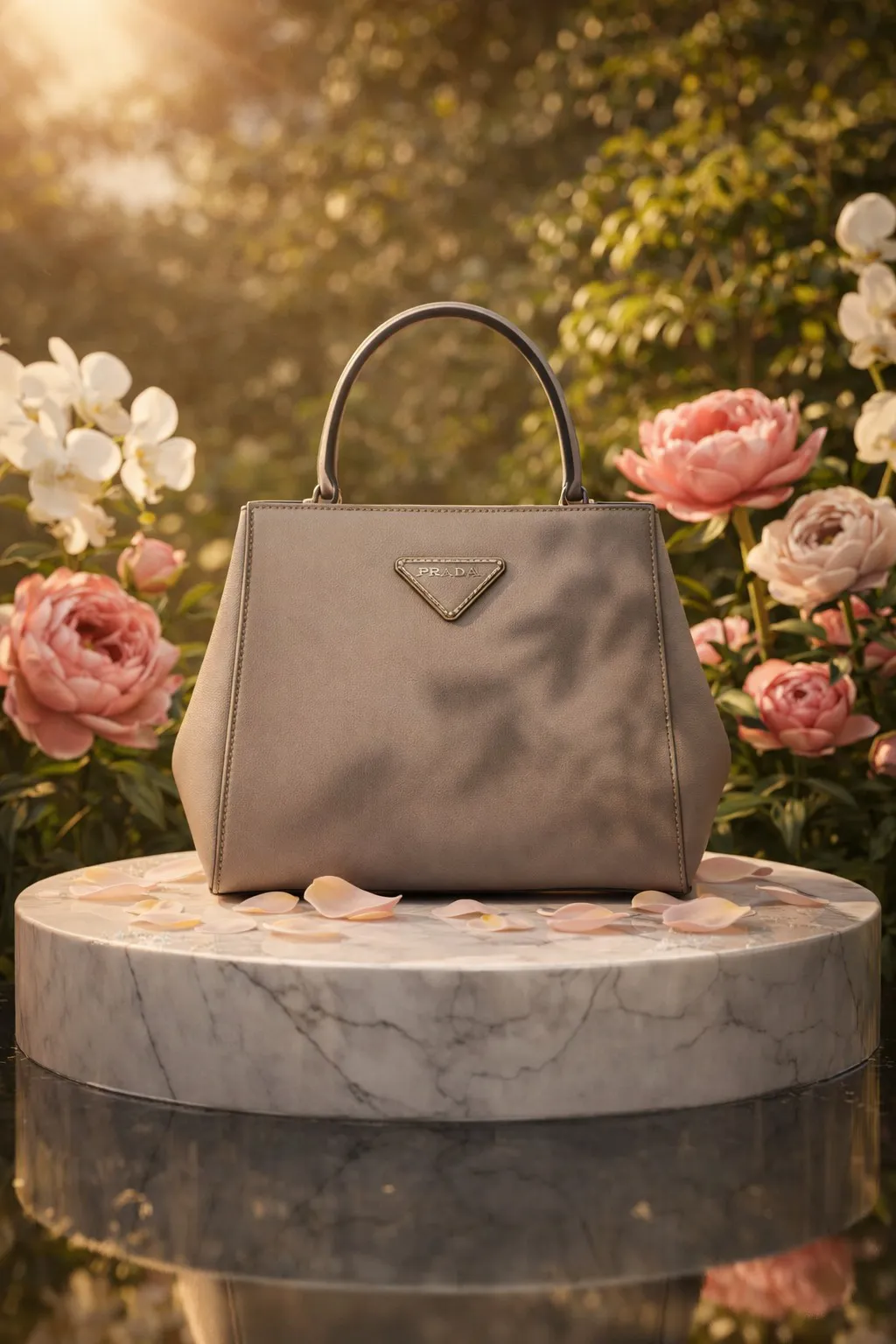
Luxury Leather Handbag in Floral Garden
A high-end editorial product shot of a taupe leather handbag on a marble pedestal, surrounded by blooming peonies and orchids in a sun-drenched garden.
Full Prompt · 100% Free136 words
Ultra-realistic luxury fashion product photography, a structured taupe/greige leather handbag with a single top handle, placed perfectly centered on a white marble pedestal with subtle grey veining. The bag has a small triangular metal logo plate on the front (clean, minimal, realistic reflections). Scene: an elegant garden filled with blooming flowers—soft pink peonies/roses and white orchids—surrounding the pedestal in the foreground and midground. Left, creating warm glow, gentle haze, and soft leaf-shadow patterns falling across the handbag surface. On top of the marble pedestal, scatter a few delicate pastel flower petals in a neat, premium way (not messy). Background: lush green foliage with creamy bokeh, shallow depth of field. Lighting: cinematic, soft key light with natural sun rim highlights, high-end editorial retouching, crisp leather texture, realistic stitching, premium campaign look. Shot on 85mm lens, eye-level slightly
Interactive Prompt Remixer
Customize subject, lighting, or framing slots below — the prompt updates live while preserving proven camera syntax.
Ultra-realistic luxury fashion product photography, a structured taupe/greige leather handbag with a single top handle, placed perfectly centered on a white marble pedestal. Scene: an elegant garden filled with soft pink peonies/roses and white orchids surrounding the pedestal. Background: lush green foliage with creamy bokeh, shallow depth of field. Lighting: cinematic, soft key light with natural sun rim highlights, high-end editorial retouching, crisp leather texture, realistic stitching, premium campaign look. Shot on 85mm lens, eye-level slightly
Compatible Models
How to Customize
Swap the subject, wardrobe, or color palette while keeping the lighting and camera phrasing intact. In Midjourney, add --ar 4:5 for portraits or --ar 16:9 for cinema frames.
Keep Exploring