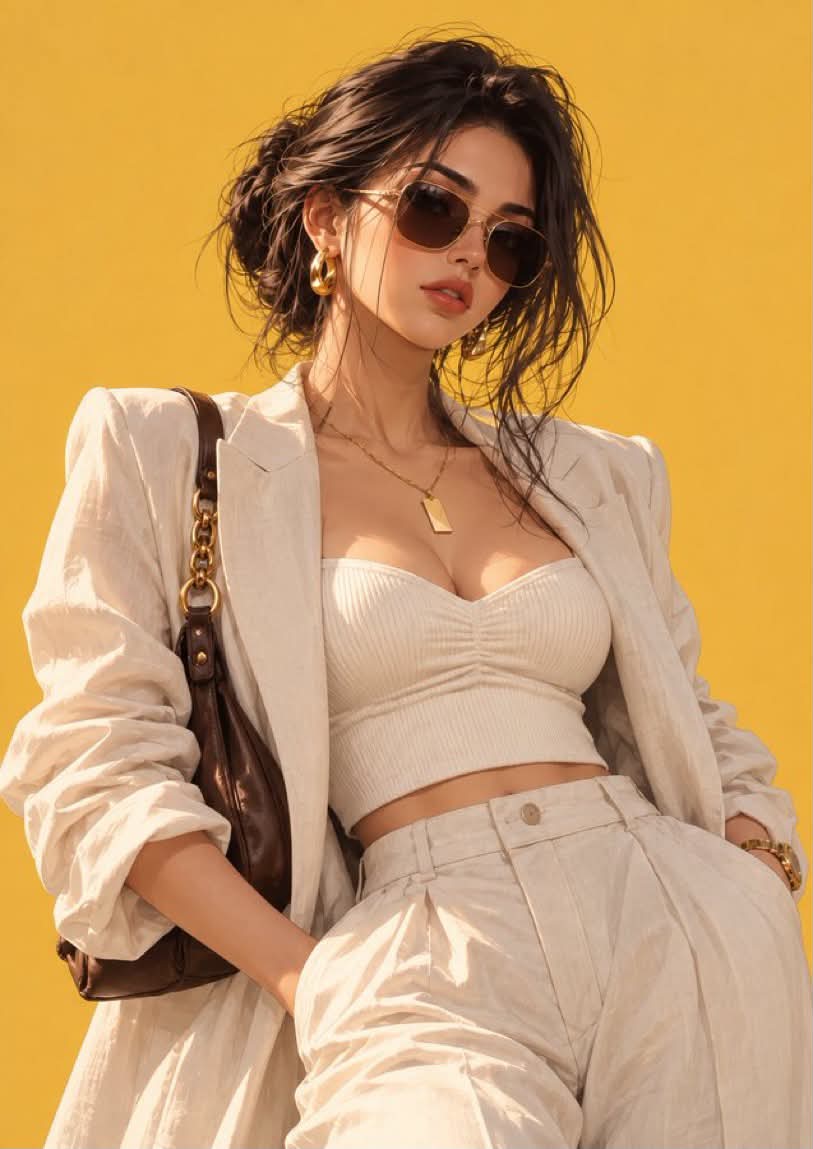
Golden Hour Luxury Fashion Editorial
A sophisticated fashion editorial portrait of a woman in monochromatic white attire against a vibrant golden studio backdrop.
Full Prompt · 100% Free179 words
High-end photorealistic fashion editorial portrait of a confident young adult woman standing against a clean, vibrant golden-yellow studio background. She wears an elegant off-white monochromatic outfit: a lightweight oversized white blazer with slightly puffed sleeves, a fitted ribbed white corset-style crop top, and high-waisted wide-leg white trousers. Add a luxurious dark brown leather shoulder bag with subtle gold hardware, large gold hoop earrings, a delicate gold pendant necklace, and stylish brown-tinted aviator sunglasses with a thin gold frame. Her dark brown hair is styled in a loose, effortless messy bun with soft strands naturally falling around her face. She has sophisticated natural makeup, softly defined eyes, glowing skin, and muted rosy nude lips. Confident relaxed expression and effortless model-like attitude. Fashion-forward pose, slightly low camera angle, elegant body posture. Warm golden studio lighting, soft cinematic shadows, subtle rim light around the hair, realistic skin texture, detailed fabric texture, premium luxury fashion campaign aesthetic, editorial photography, 85mm lens, shallow depth of field, crisp focus on the subject, sophisticated composition, warm color grading, ultra-realistic, high detail, magazine-quality photography, vertical 4:5 composition.
Interactive Prompt Remixer
Customize subject, lighting, or framing slots below — the prompt updates live while preserving proven camera syntax.
High-end photorealistic fashion editorial portrait of a confident young adult woman standing against a clean, vibrant golden-yellow studio background. She wears an elegant off-white monochromatic outfit. Warm golden studio lighting, 85mm lens, 8K.
Compatible Models
How to Customize
Swap the subject, wardrobe, or color palette while keeping the lighting and camera phrasing intact. In Midjourney, add --ar 4:5 for portraits or --ar 16:9 for cinema frames.
Matching Outcome Playbooks
Keep Exploring