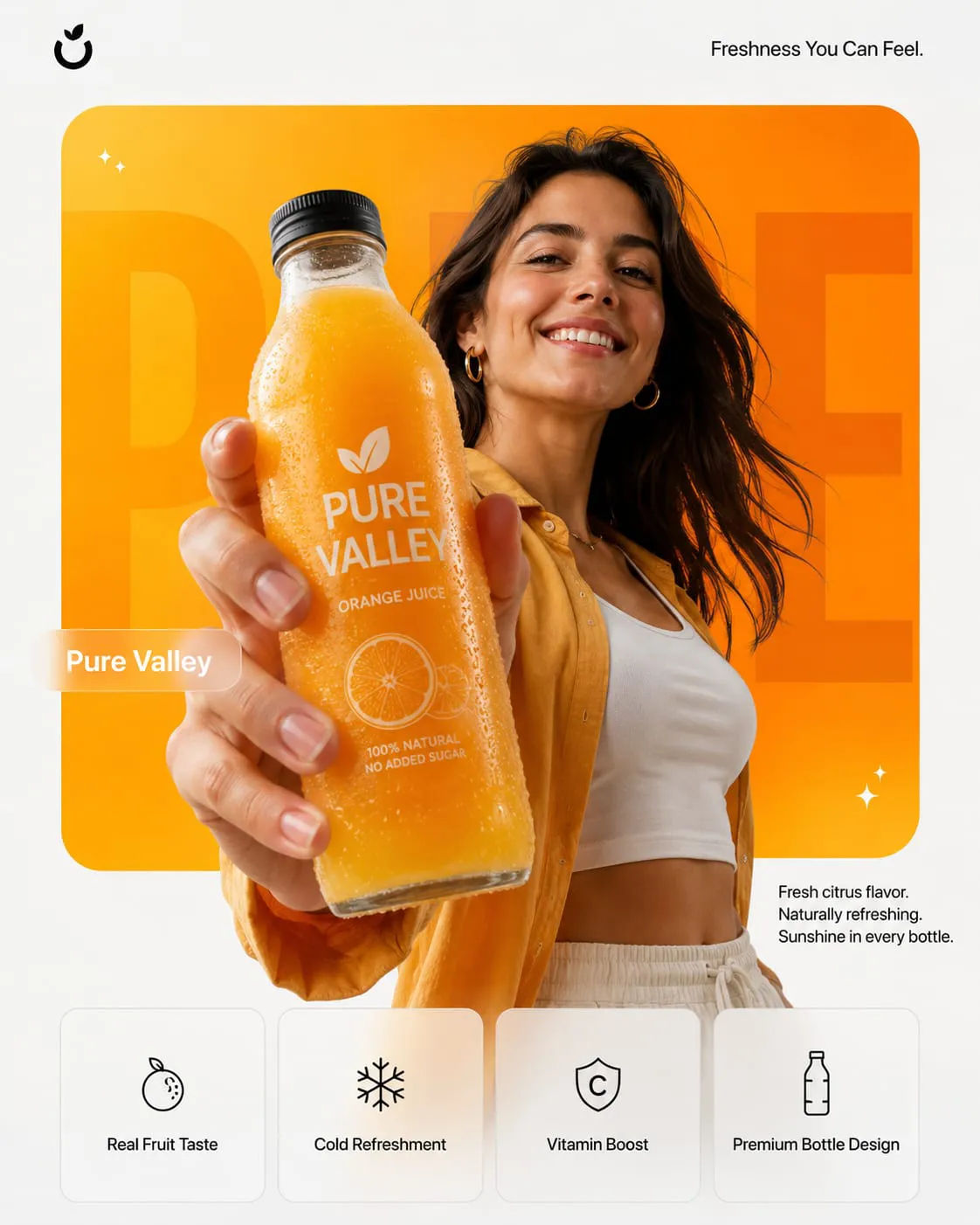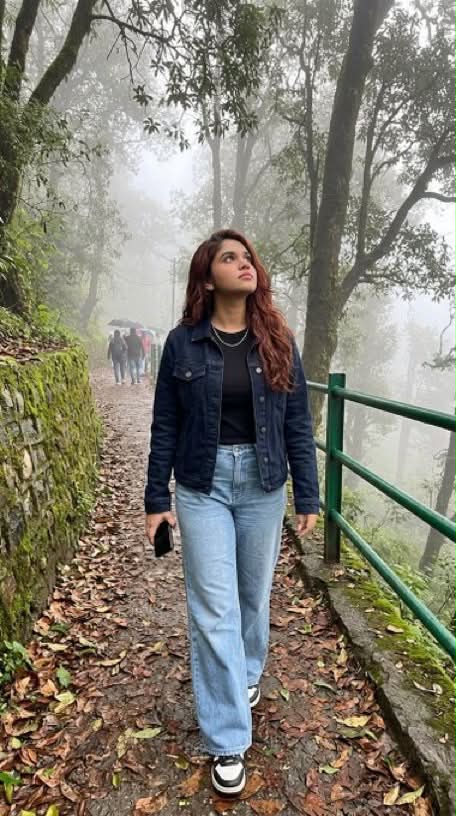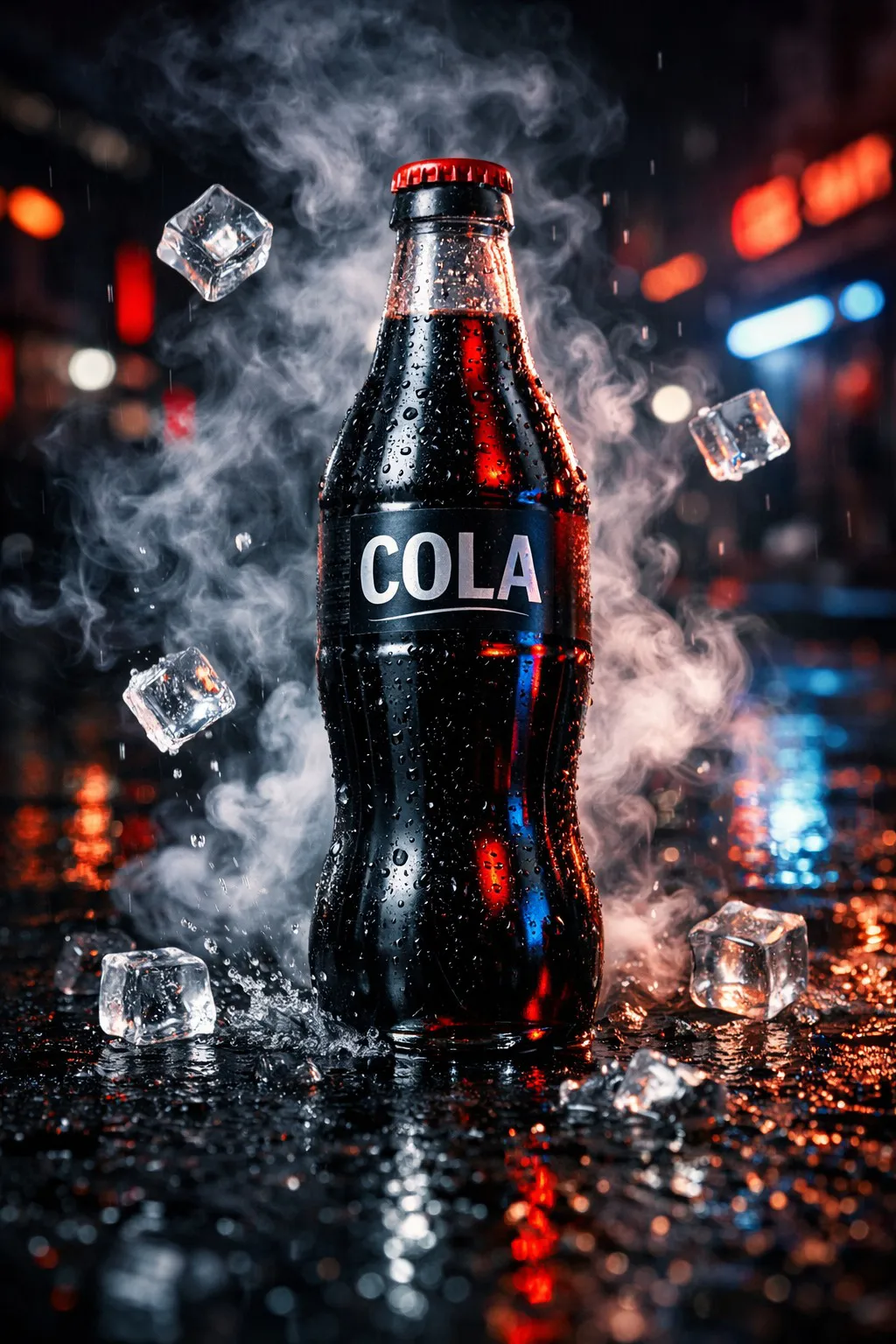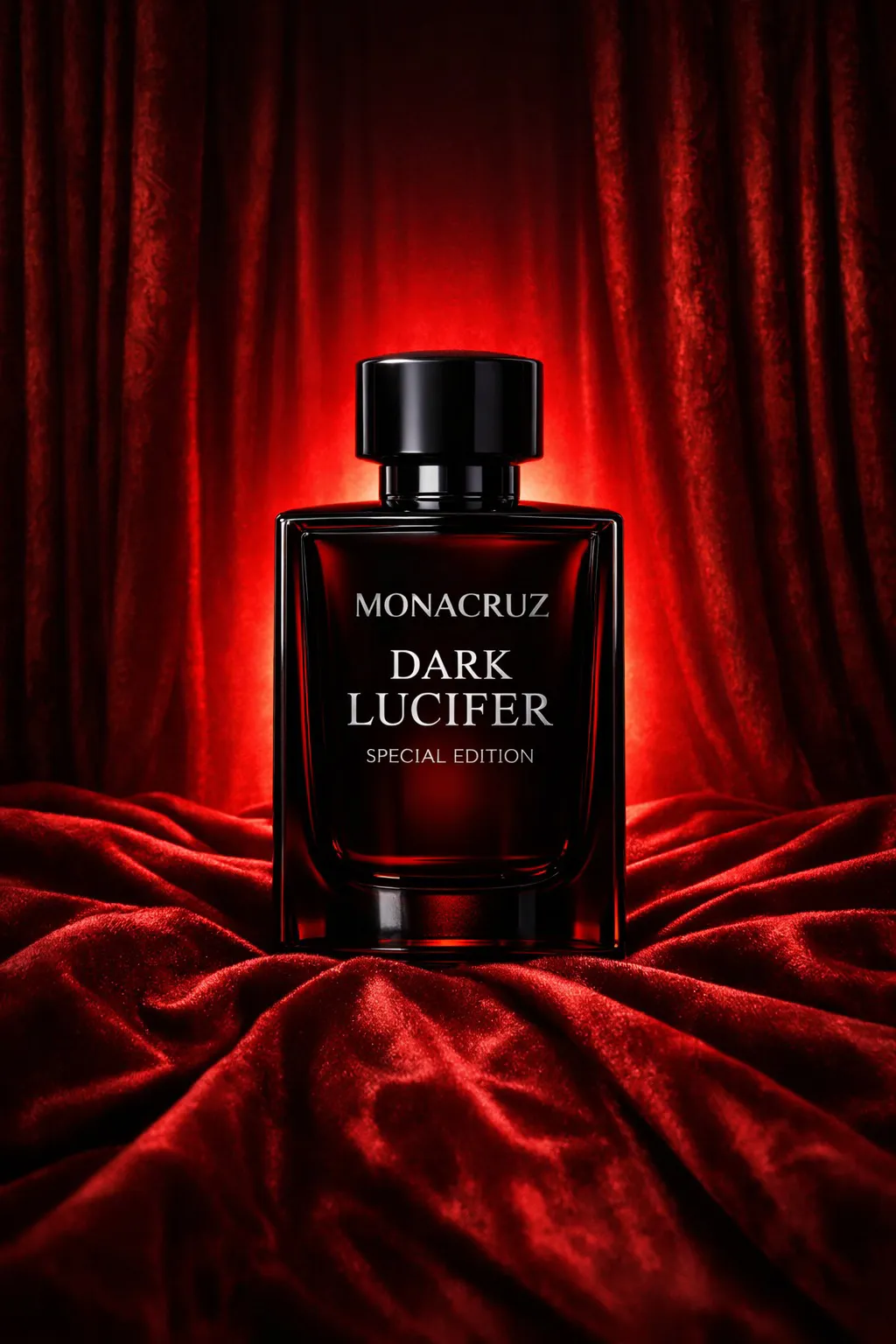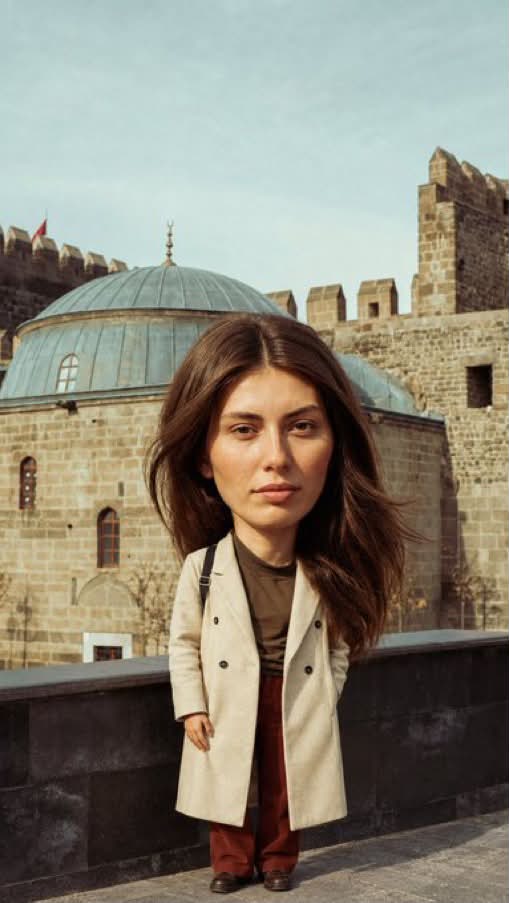
Exaggerated Big-Head Travel Portrait
A precise instruction set for creating a stylized big-head effect while preserving realistic textures and original photographic environments.
Full Prompt · 100% Free126 words
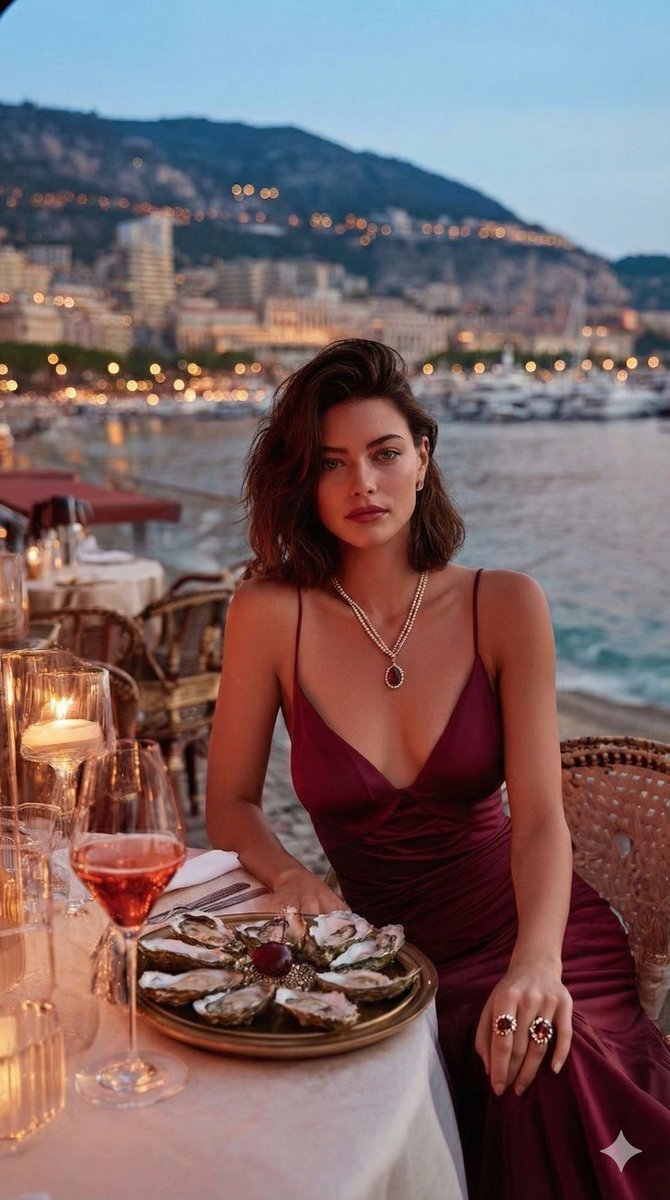
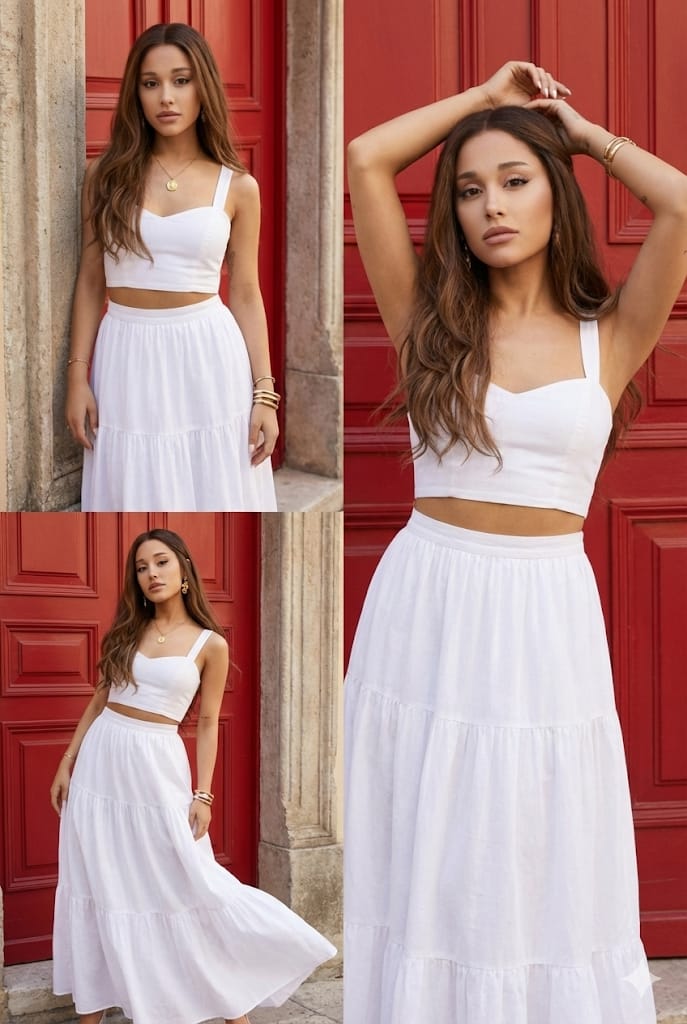
Edit the input single-person travel photo to enlarge the person's head, face, and hairstyle by 1.5 to 2 times, and shrink the body, limbs, and clothing to 35% to 60% of the original proportions, creating a pronounced big-head small-body effect. Retain the original photo's authentic environment, viewing angle, lighting, depth of field, and person's identity. Preserve realistic skin texture, facial features, expression, hair strands, hat, earrings, and clothing material, keeping the gaze, movement direction, and pose unchanged. Naturally reconstruct the head-shoulder connection, collar, arms, sitting posture, ground contact, and shadows. The background must remain the original photo's plants, roads, buildings, or travel environment. Maintain a realistic photography texture with subtle soft lifestyle photography color grading. No added text, logos, watermarks, AI badges, stickers, or fake text.
Interactive Prompt Remixer
Customize subject, lighting, or framing slots below — the prompt updates live while preserving proven camera syntax.
Edit the input single-person travel photo to enlarge the person's head, face, and hairstyle by 1.5 to 2 times, and shrink the body, limbs, and clothing to 35% to 60% of the original proportions, creating a pronounced big-head small-body effect. Retain the original photo's authentic environment, viewing angle, lighting, depth of field, and person's identity. Preserve realistic skin texture, facial features, expression, hair strands, hat, earrings, and clothing material, keeping the gaze, movement direction, and pose unchanged. Naturally reconstruct the head-shoulder connection, collar, arms, sitting posture, ground contact, and shadows. The background must remain the original photo's plants, roads, buildings, or travel environment. Maintain a realistic photography texture with subtle soft lifestyle photography color grading. No added text, logos, watermarks, AI badges, stickers, or fake text.
Compatible Models
How to Customize
Swap the subject, wardrobe, or color palette while keeping the lighting and camera phrasing intact. In Midjourney, add --ar 4:5 for portraits or --ar 16:9 for cinema frames.
Matching Outcome Playbooks
Keep Exploring