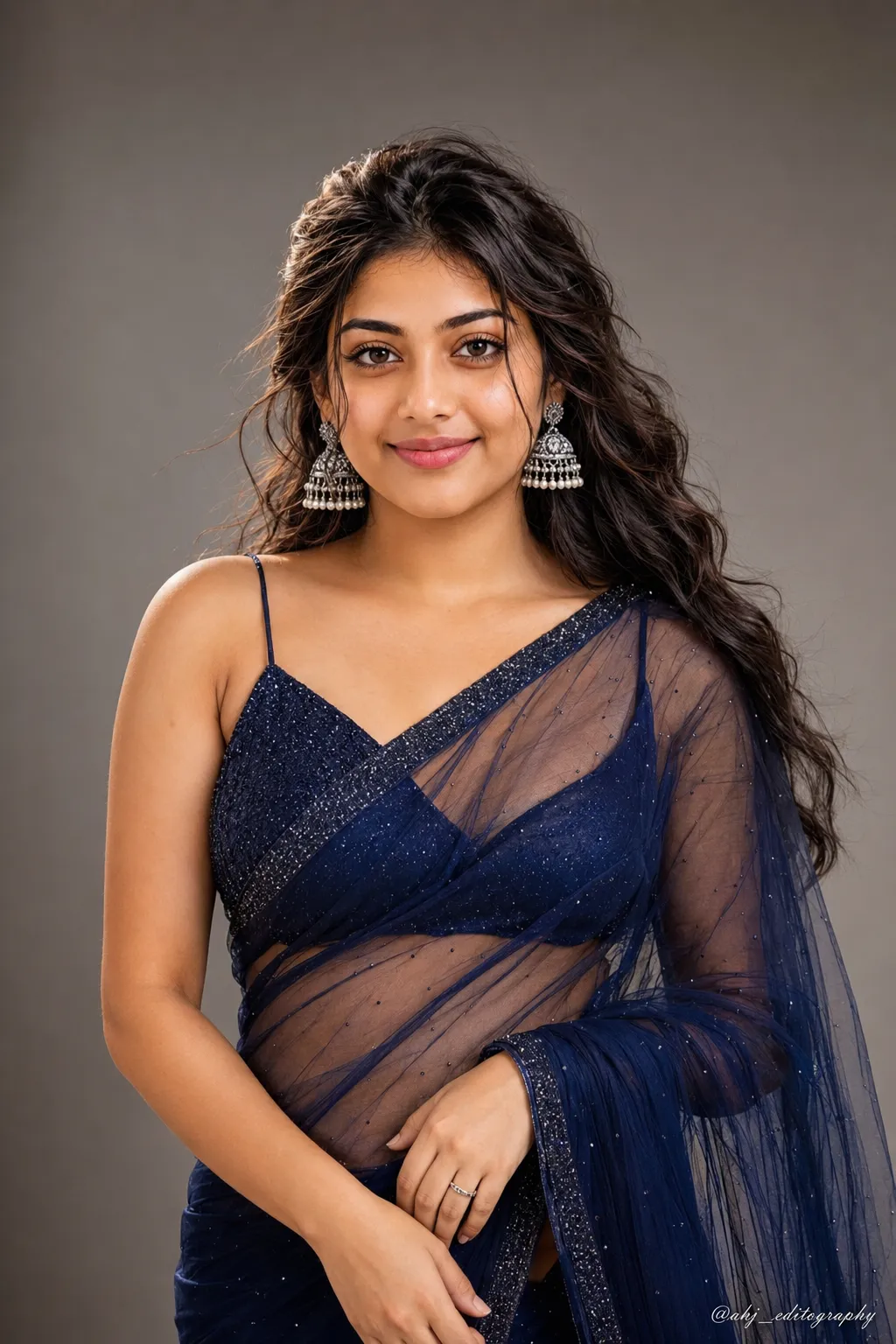
Elegant South Indian Fashion Portrait
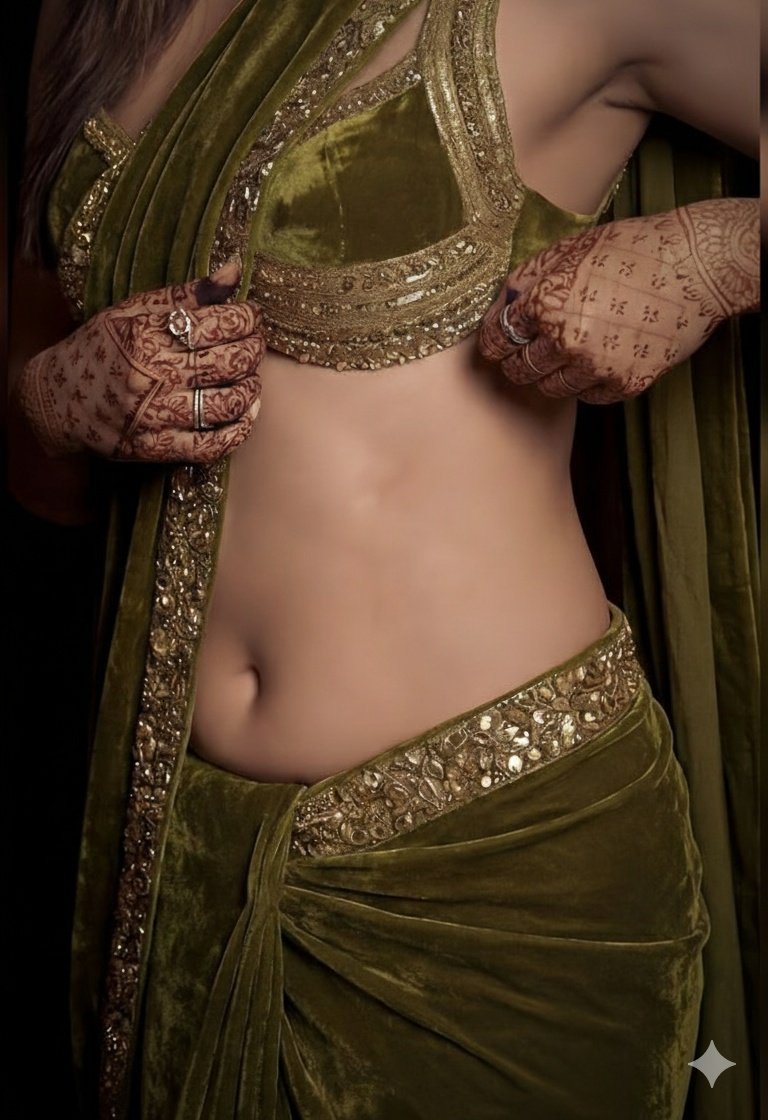
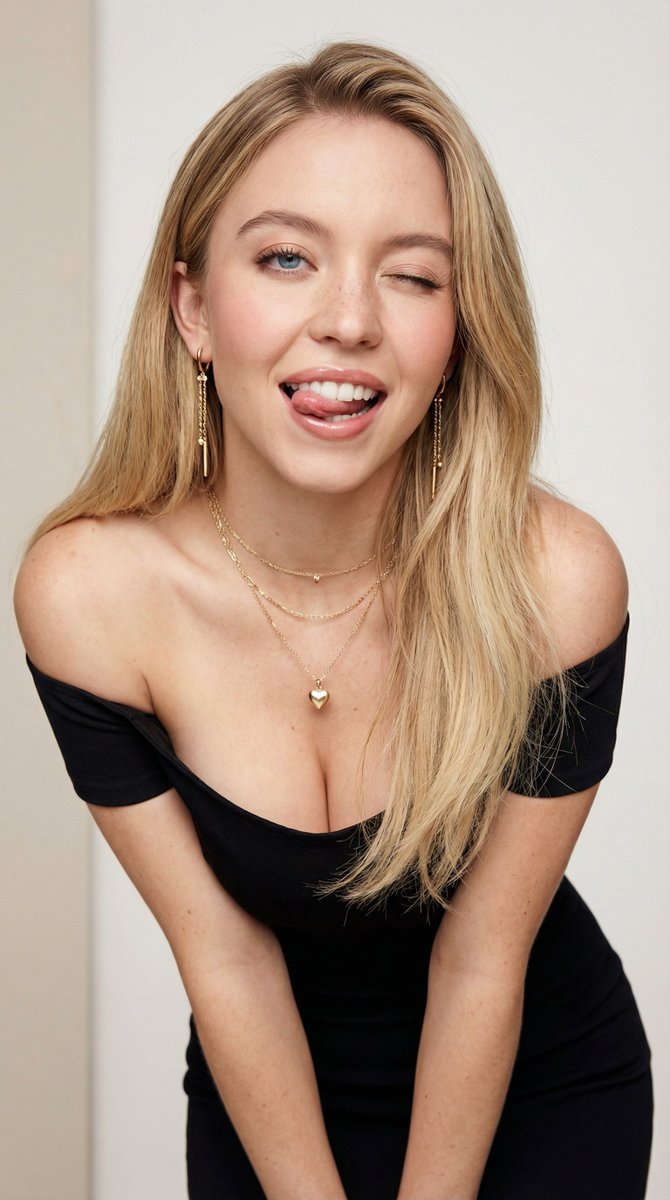
A high-end editorial portrait of a South Indian woman in a navy blue sheer saree, featuring soft studio lighting and cinematic bokeh.
Full Prompt · 100% Free112 words
Ultra-realistic studio fashion portrait of a beautiful young South Indian curvy woman wearing a deep navy blue sheer net saree with a matching sleeveless blouse featuring thin spaghetti straps. She has long voluminous wavy dark brown hair flowing naturally, glowing fair skin, expressive brown eyes, soft glam makeup, and a gentle smile while looking directly at the camera. She wears oversized silver jhumka earrings, and the transparent saree drapes elegantly with subtle shimmer detailing. Neutral grey studio background, soft diffused lighting, shallow depth of field, creamy bokeh, cinematic color grading, HDR, highly detailed skin texture, DSLR photography, 85mm lens, f/1.8, ultra-realistic, editorial fashion style, 8K quality, high quality 8k resolution, ratio 4:6.
Interactive Prompt Remixer
Customize subject, lighting, or framing slots below — the prompt updates live while preserving proven camera syntax.
Ultra-realistic studio fashion portrait of a beautiful young South Indian curvy woman wearing a deep navy blue sheer net saree with a matching sleeveless blouse featuring thin spaghetti straps. She has long voluminous wavy dark brown hair flowing naturally, glowing fair skin, expressive brown eyes, soft glam makeup, and a gentle smile while looking directly at the camera. She wears oversized silver jhumka earrings, and the transparent saree drapes elegantly with subtle shimmer detailing. Neutral grey studio background, soft diffused lighting, shallow depth of field, creamy bokeh, cinematic color grading, HDR, highly detailed skin texture, DSLR photography, 85mm lens, f/1.8, ultra-realistic, editorial fashion style, 8K quality, high quality 8k resolution, ratio 4:6.
Compatible Models
How to Customize
Swap the subject, wardrobe, or color palette while keeping the lighting and camera phrasing intact. In Midjourney, add --ar 4:5 for portraits or --ar 16:9 for cinema frames.
Keep Exploring