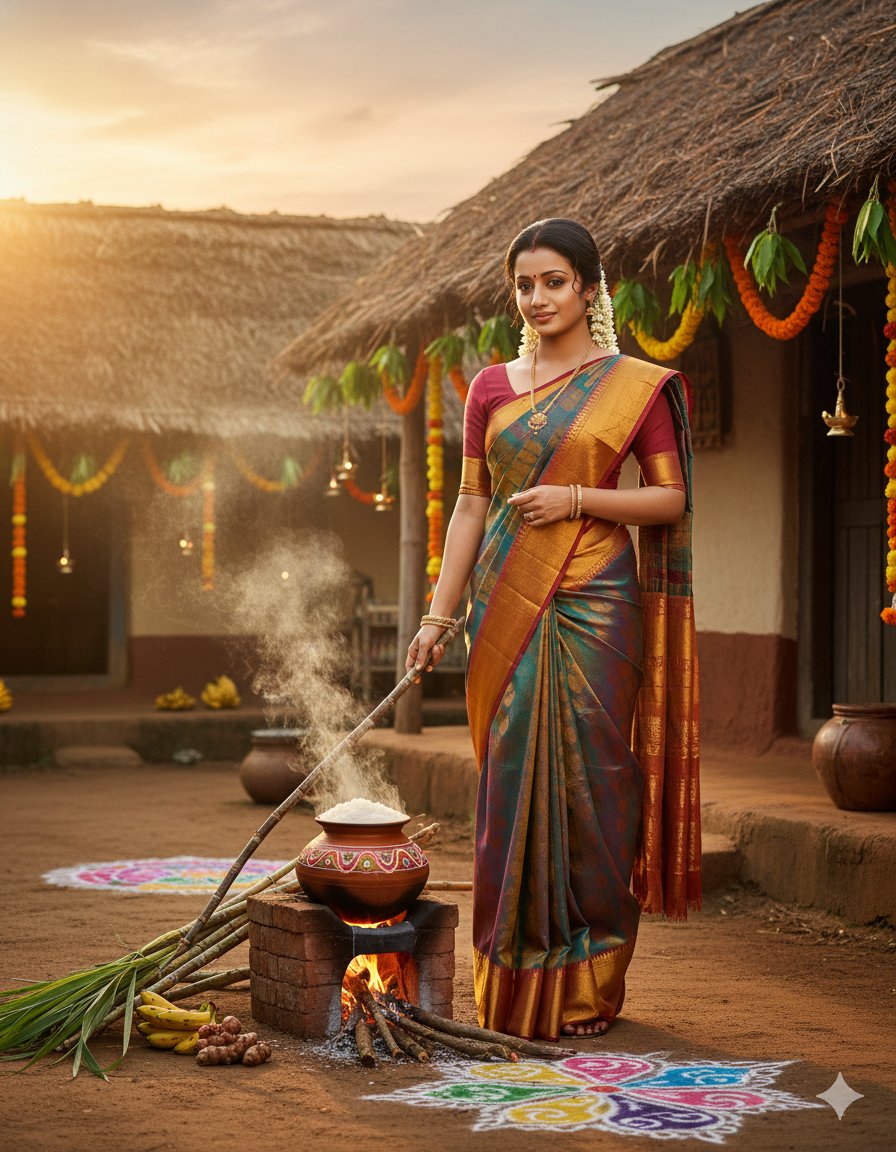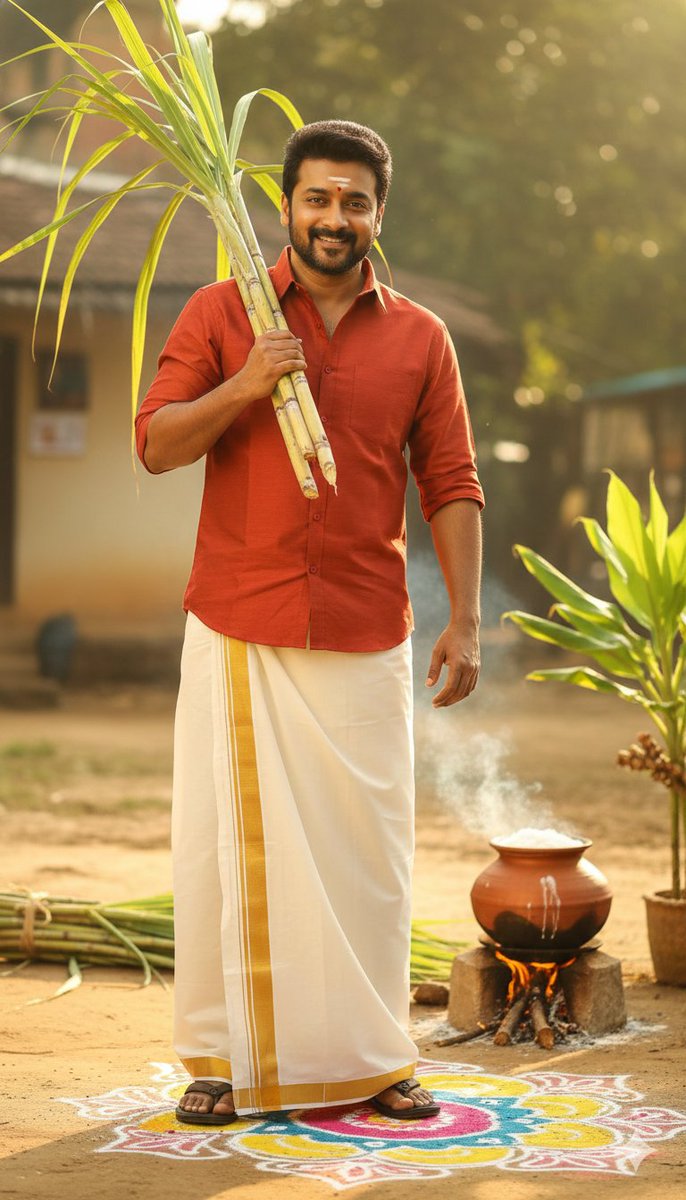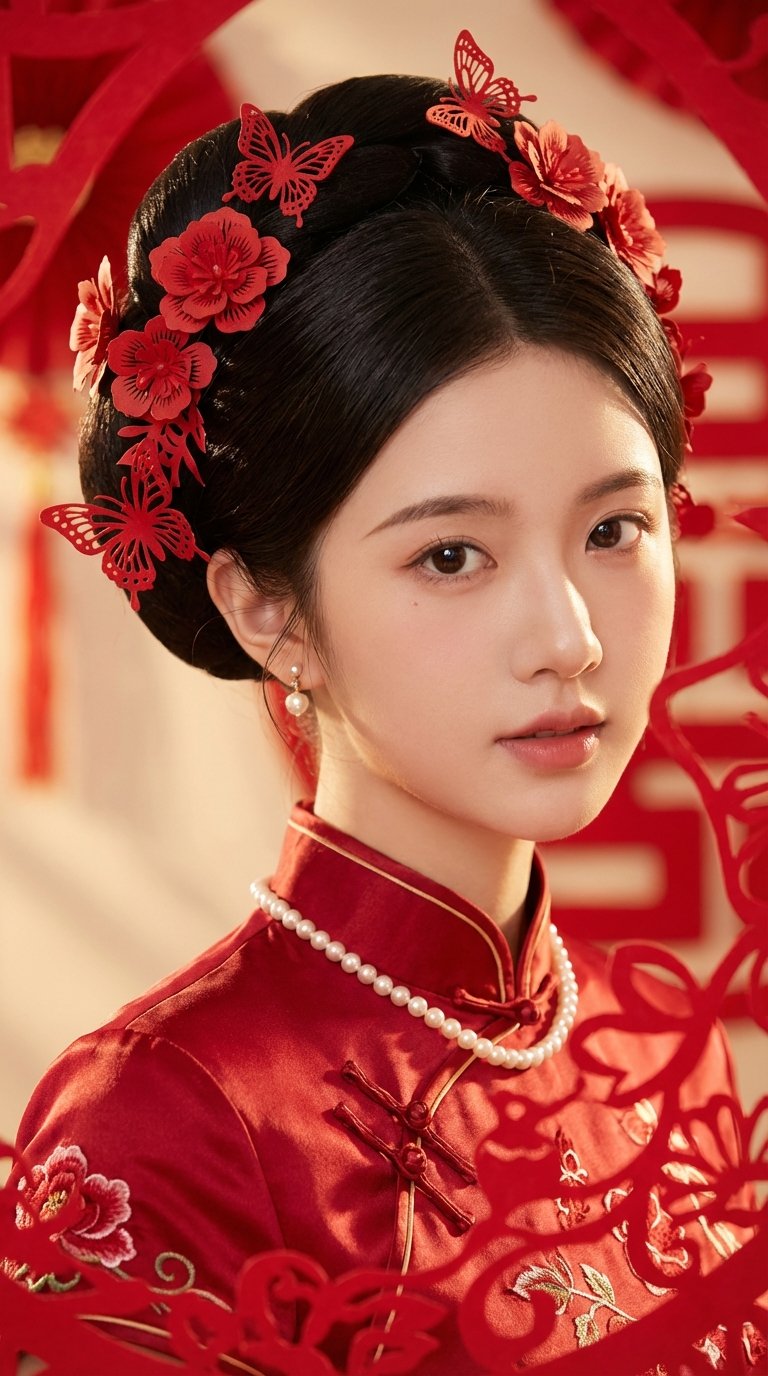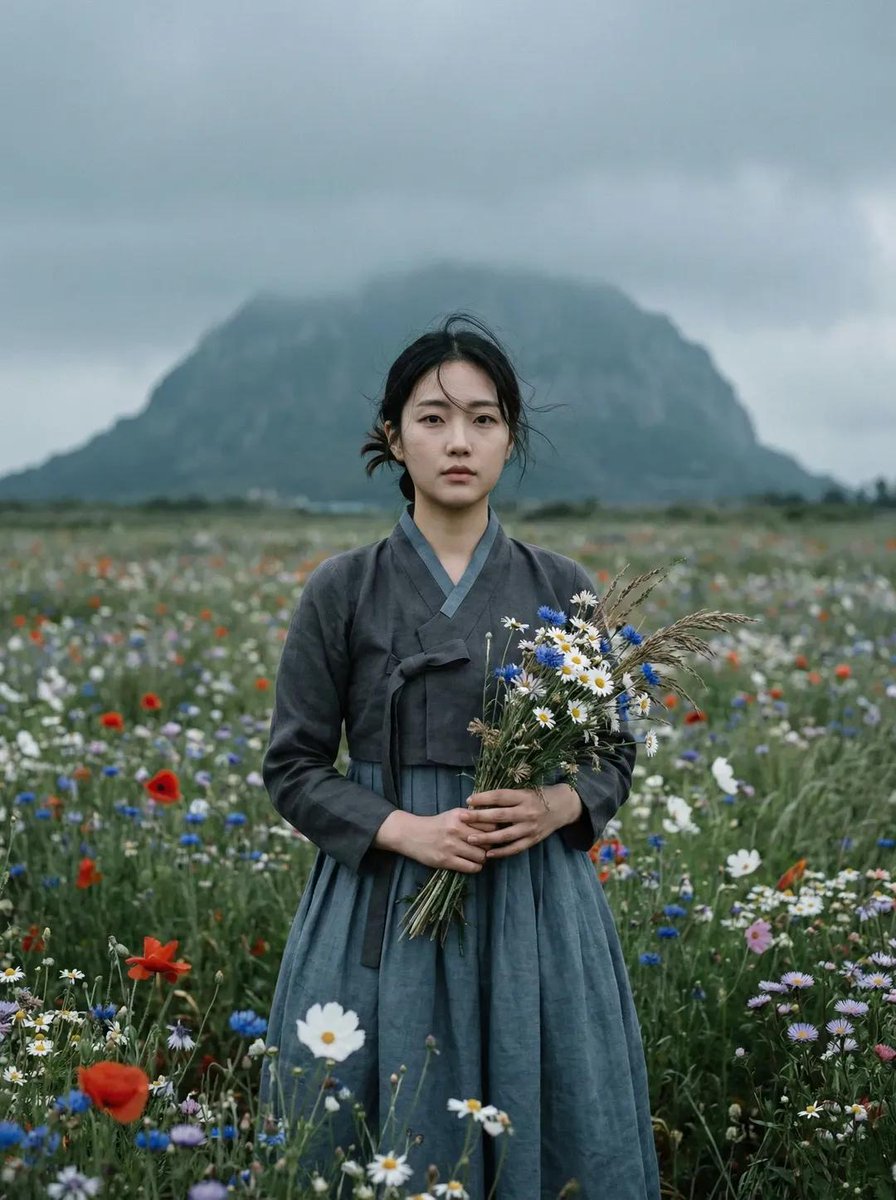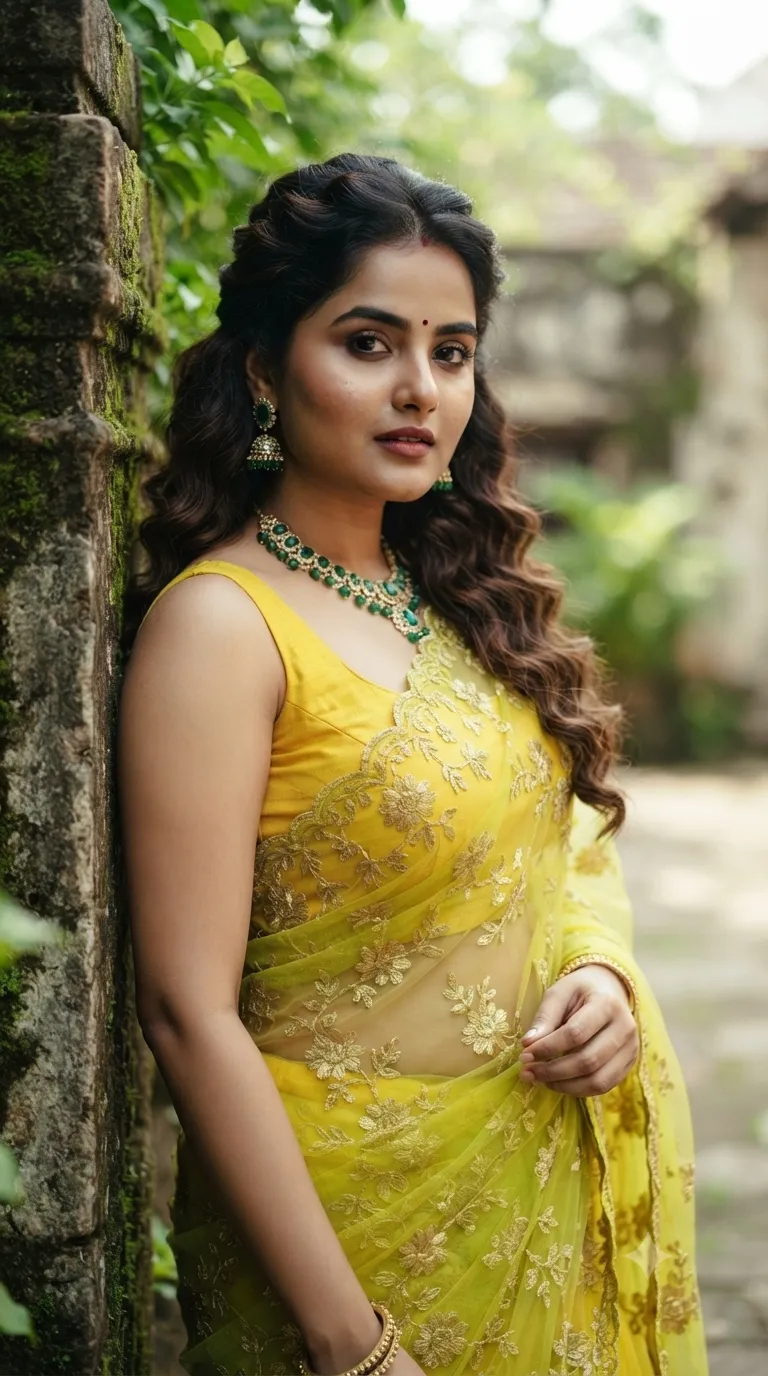
Elegant Indian Woman in Vibrant Saree
A stunning, hyper-realistic portrait of an Indian woman in traditional attire, set against a lush, mossy stone background with soft natural light.
Full Prompt · 100% Free115 words
A hyper-realistic, cinematic portrait of a beautiful Indian woman looking elegantly towards the camera. She is wearing a vibrant yellow and lime-green net saree with intricate golden floral embroidery and a matching blouse. She is adorned with traditional jewelry, including a heavy green gemstone necklace, matching jhumka earrings, a small red bindi on her forehead, and golden bangles. Her hair is styled in a graceful half-updo with long, soft wavy curls cascading down her shoulder. She is gently leaning against an ancient, moss-covered stone wall or pillar with lush green foliage. Soft, diffused natural daylight, shallow depth of field with a beautifully blurred background, 8k resolution, photorealistic skin texture, highly detailed fabrics, professional color grading.
Interactive Prompt Remixer
Customize subject, lighting, or framing slots below — the prompt updates live while preserving proven camera syntax.
A hyper-realistic, cinematic portrait of a beautiful Indian woman looking elegantly towards the camera. She is wearing a vibrant yellow and lime-green net saree with intricate golden floral embroidery. She is adorned with traditional jewelry, including a heavy green gemstone necklace, matching jhumka earrings, a small red bindi on her forehead, and golden bangles. Her hair is styled in a graceful half-updo with long, soft wavy curls cascading down her shoulder. She is gently leaning against an ancient, moss-covered stone wall or pillar with lush green foliage. Soft, diffused natural daylight, shallow depth of field with a beautifully blurred background, 8k resolution, photorealistic skin texture, highly detailed fabrics, professional color grading.
Compatible Models
How to Customize
Swap the subject, wardrobe, or color palette while keeping the lighting and camera phrasing intact. In Midjourney, add --ar 4:5 for portraits or --ar 16:9 for cinema frames.
Keep Exploring