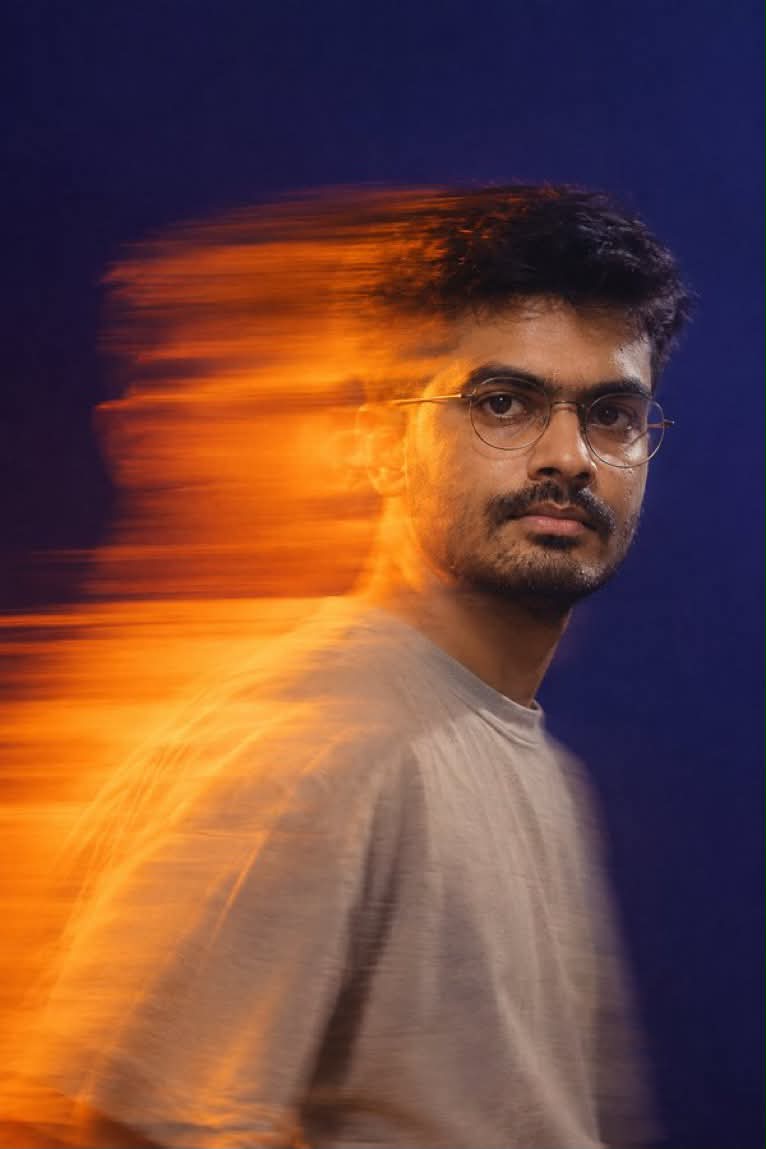
Cinematic Motion Blur Editorial Portrait
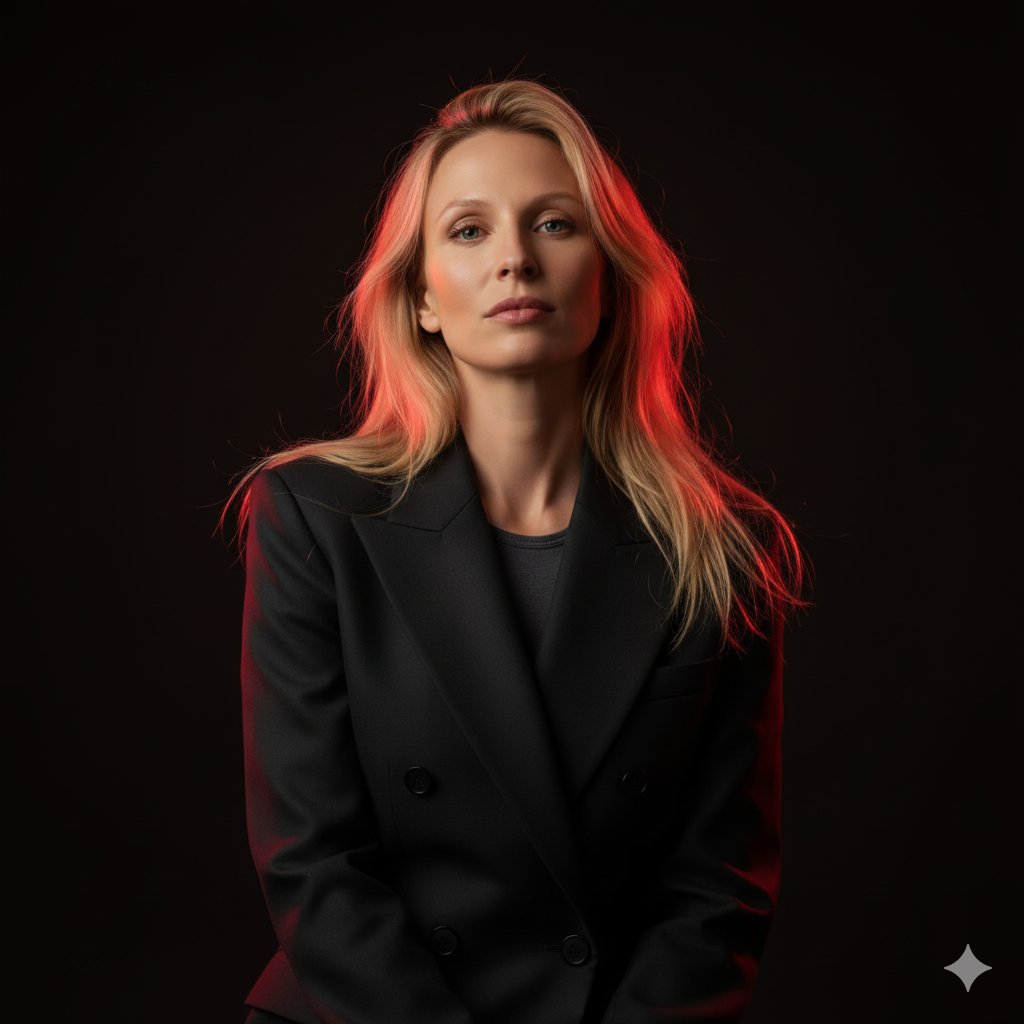
A high-end editorial portrait capturing a subject in motion with dramatic dual-tone lighting and long-exposure ghosting effects.
Full Prompt · 100% Free103 words
A contemporary editorial portrait of a young man with short dark hair, a mustache, and round wire-rimmed glasses, wearing a plain, slightly oversized light beige t-shirt. The image features a heavy, horizontal motion blur and long-exposure ghosting effect across the subject's face and torso, capturing him as if moving quickly from left to right. Dramatic, dual-tone studio lighting is utilized: the relatively sharp, stationary features of the man are lit with moody, neutral light, while the blurred motion trails are intensely illuminated by a vibrant, glowing amber-orange gel light. The background is a smooth, solid deep blue-purple gradient. Artistic, cinematic, moody atmospheric photography.
Interactive Prompt Remixer
Customize subject, lighting, or framing slots below — the prompt updates live while preserving proven camera syntax.
A contemporary editorial portrait of a young man with short dark hair, a mustache, and round wire-rimmed glasses, wearing a plain, slightly oversized light beige t-shirt. The image features a heavy, horizontal motion blur and long-exposure ghosting effect across the subject's face and torso, capturing him as if moving quickly from left to right. Dramatic, dual-tone studio lighting is utilized: the relatively sharp, stationary features of the man are lit with moody, neutral light, while the blurred motion trails are intensely illuminated by a vibrant, glowing amber-orange gel light. The background is a smooth, solid deep blue-purple gradient. Artistic, cinematic, moody atmospheric photography.
Compatible Models
How to Customize
Swap the subject, wardrobe, or color palette while keeping the lighting and camera phrasing intact. In Midjourney, add --ar 4:5 for portraits or --ar 16:9 for cinema frames.
Keep Exploring