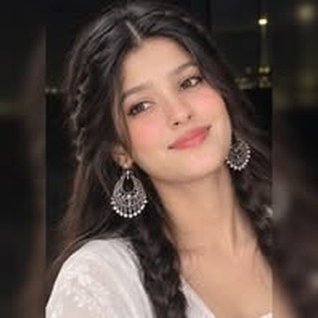
Advanced Image Style Transfer Instruction
A highly technical prompt designed for precise color, lighting, and background transfer between two images while maintaining subject identity.
Full Prompt · 100% Free149 words
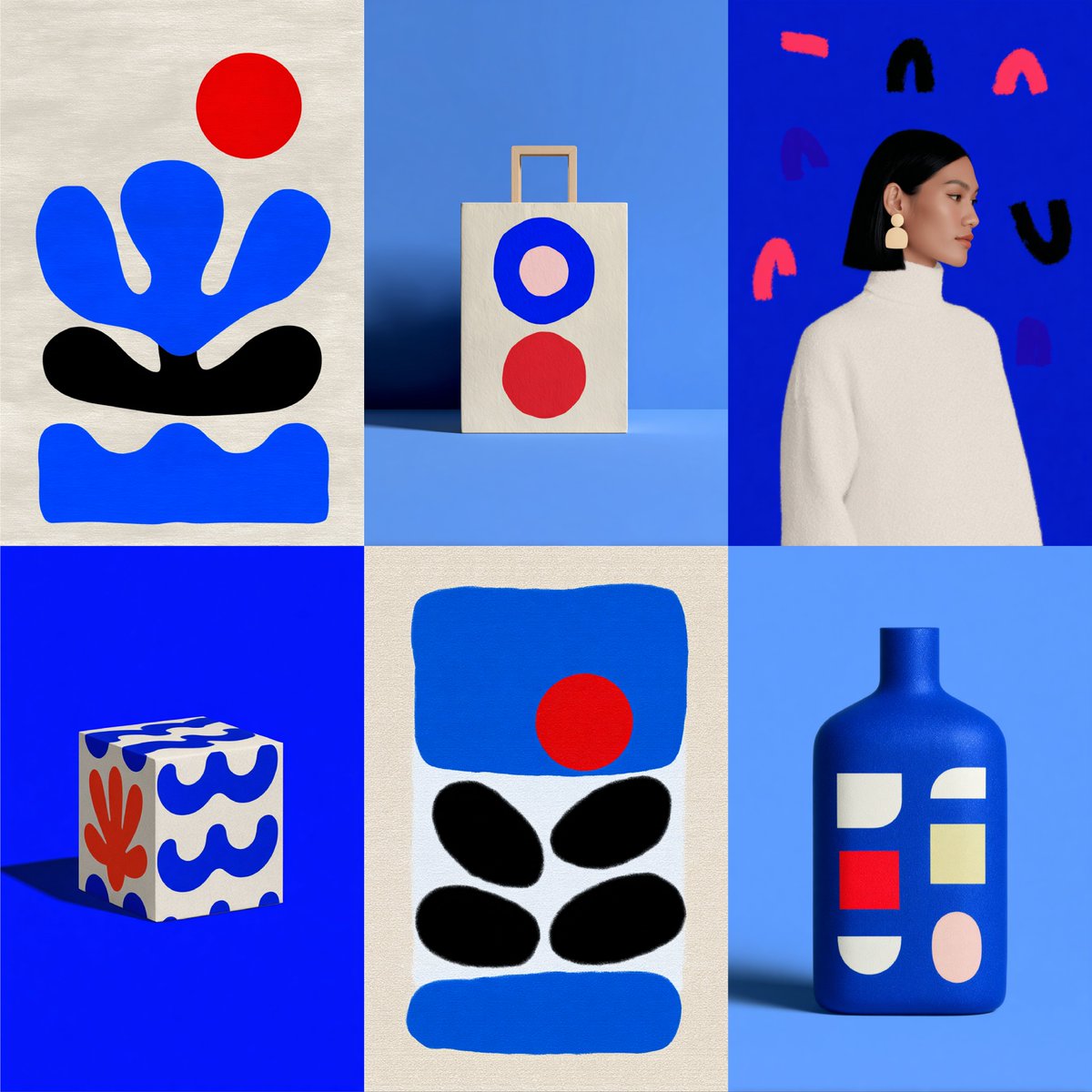
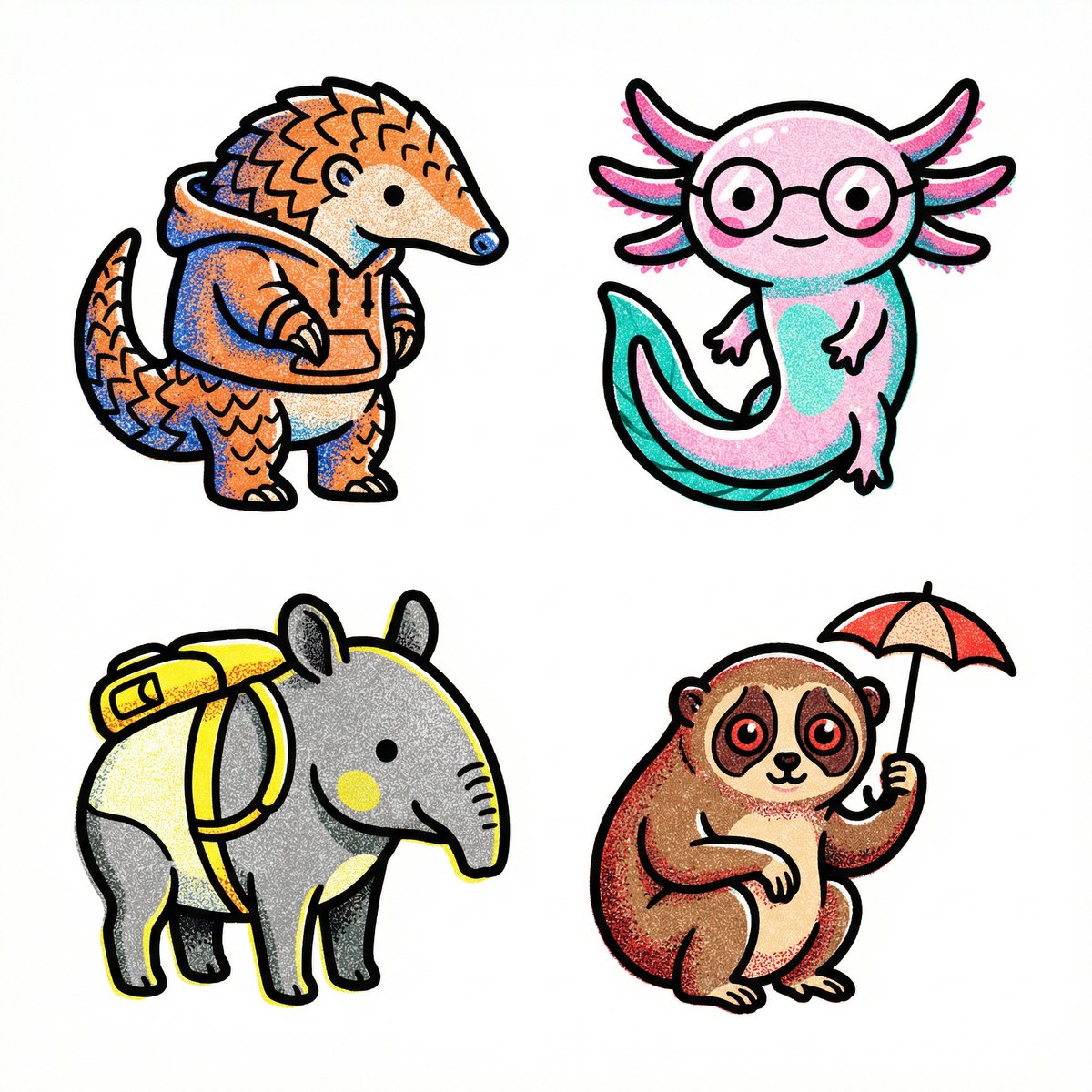
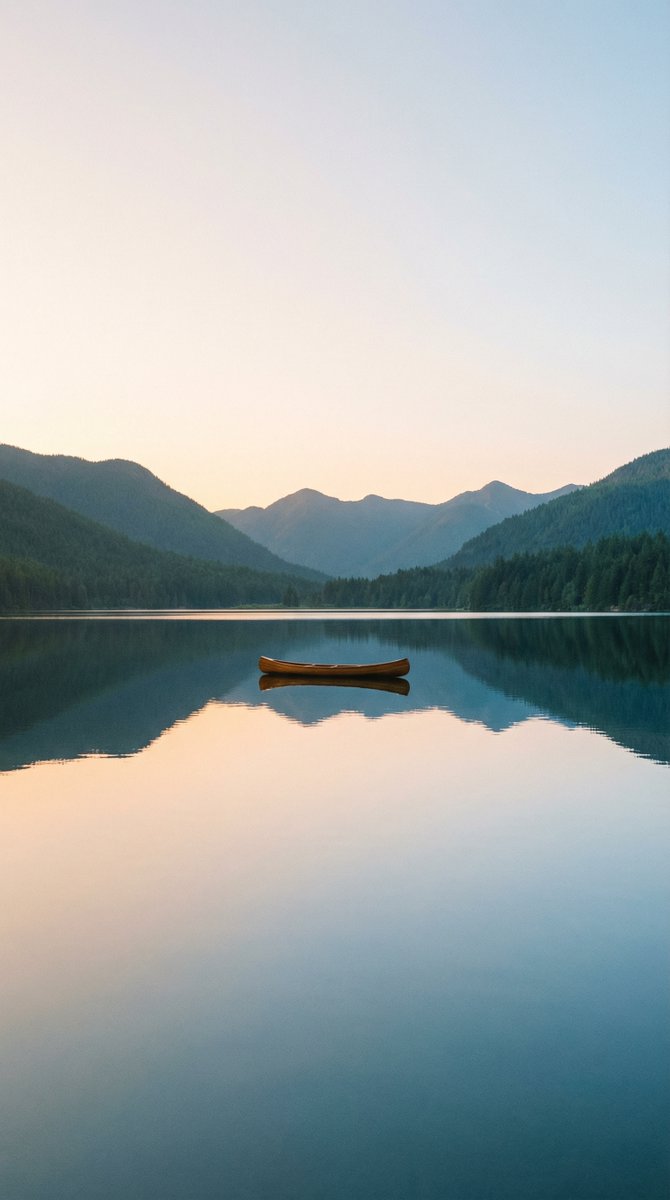
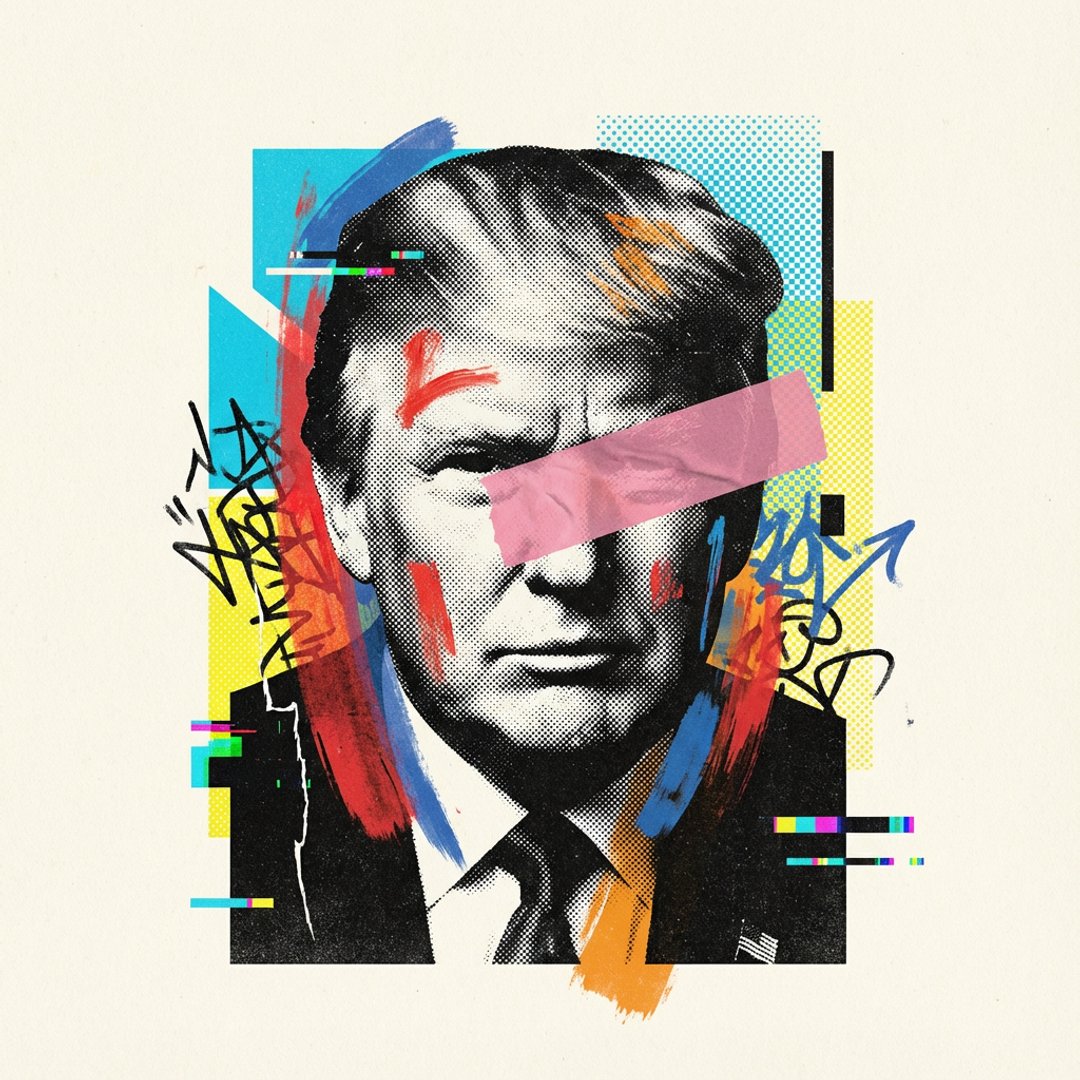
Apply Image 1's color, lighting and HD visual treatment naturally to Image 2, while preserving Image 2's real face, identity, hairstyle and original clothing design/pattern. Completely remove Image 2's old background with clean hair/clothing edges and no halo or leftover fragments. Follow Image 1's framing: if both images are half-body, keep the final half-body; if full-body framing is required, complete missing parts naturally without forcing full-body unnecessarily. Preserve natural pose and anatomy. Match ground contact, shadows, perspective and depth so the person looks genuinely photographed there. Preserve all text visible in Image exactly as shown; do not remove, erase, alter or omit any existing text. If Image 1 contains no text, do not create or add any new text yourself. Use current Image 1 only-never carry colors/styles from previous images. DSLR-quality, realistic 8K, exact 4:5. Self-check position, scale, framing, identity, color, background and realism; fix errors before final output.
Interactive Prompt Remixer
Customize subject, lighting, or framing slots below — the prompt updates live while preserving proven camera syntax.
Apply Image 1's color, lighting and HD visual treatment naturally to Image 2, while preserving Image 2's real face, identity, hairstyle and original clothing design/pattern. Completely remove Image 2's old background with clean hair/clothing edges and no halo or leftover fragments. Follow Image 1's framing: if both images are half-body, keep the final half-body; if full-body framing is required, complete missing parts naturally without forcing full-body unnecessarily. Preserve natural pose and anatomy. Match ground contact, shadows, perspective and depth so the person looks genuinely photographed there. Preserve all text visible in Image exactly as shown; do not remove, erase, alter or omit any existing text. If Image 1 contains no text, do not create or add any new text yourself. Use current Image 1 only-never carry colors/styles from previous images. DSLR-quality, realistic 8K, exact 4:5. Self-check position, scale, framing, identity, color, background and realism; fix errors before final output.
Compatible Models
How to Customize
Swap the subject, wardrobe, or color palette while keeping the lighting and camera phrasing intact. In Midjourney, add --ar 4:5 for portraits or --ar 16:9 for cinema frames.
Keep Exploring