Advanced Image Composition and Identity Transfer
A professional-grade instruction set for seamlessly merging a subject into a master template while preserving identity, lighting, and atmosphere.
Full Prompt · 100% Free108 words
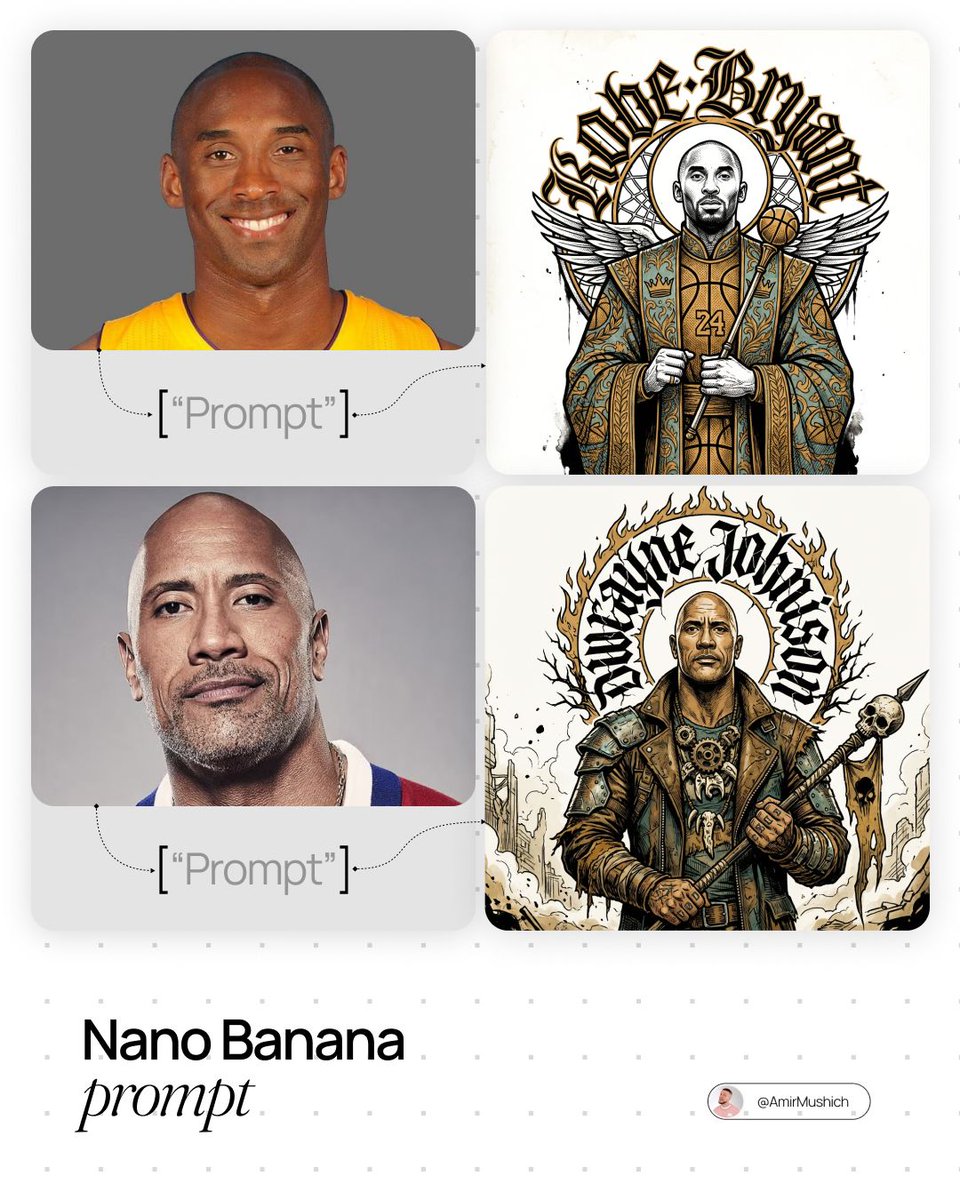
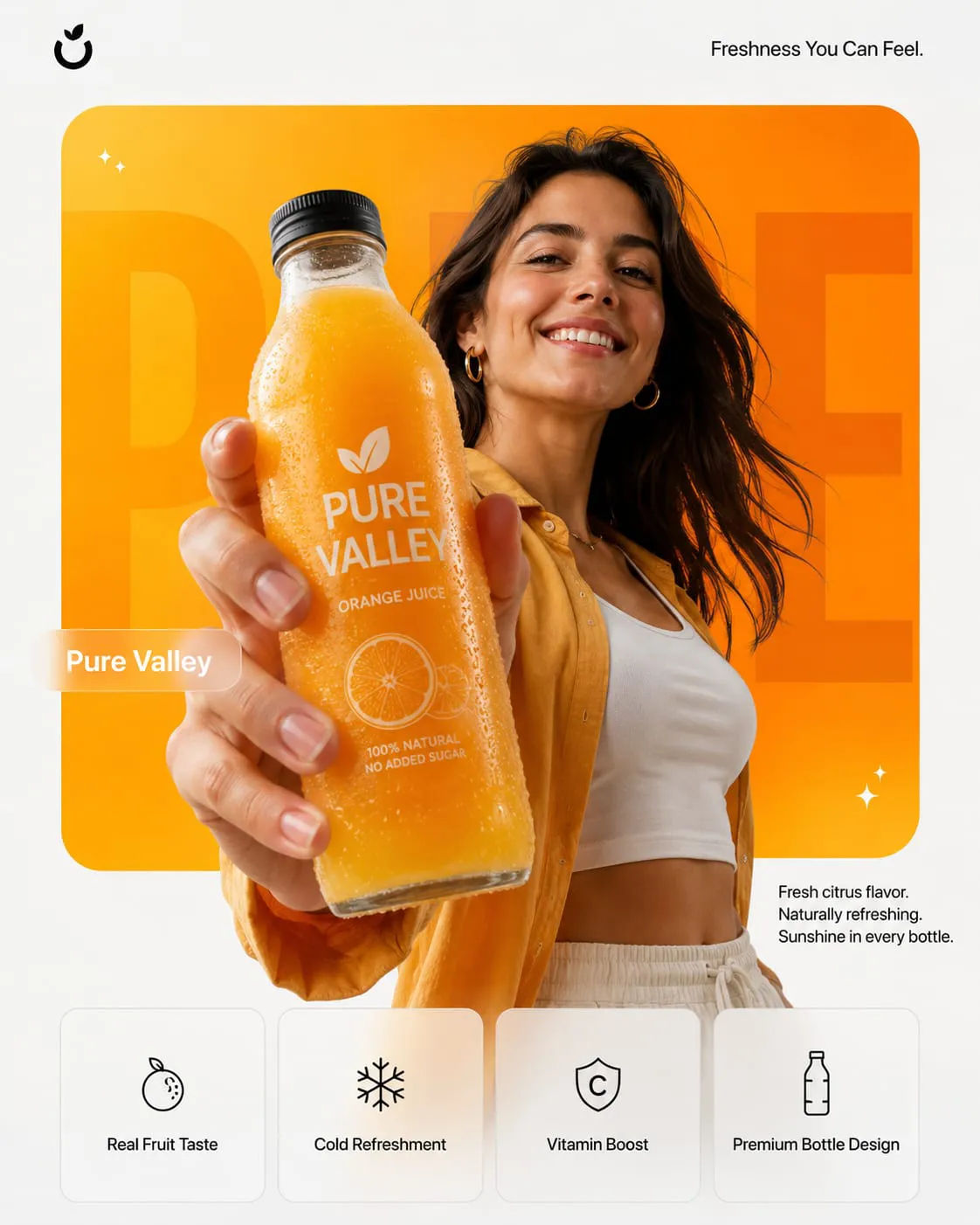
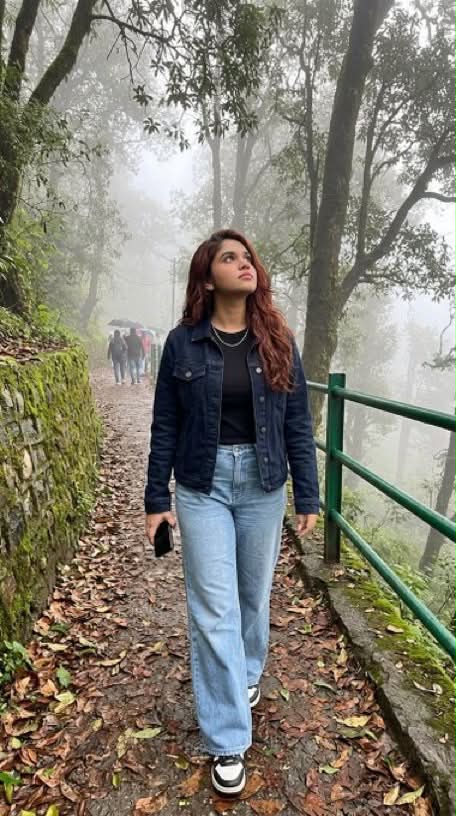
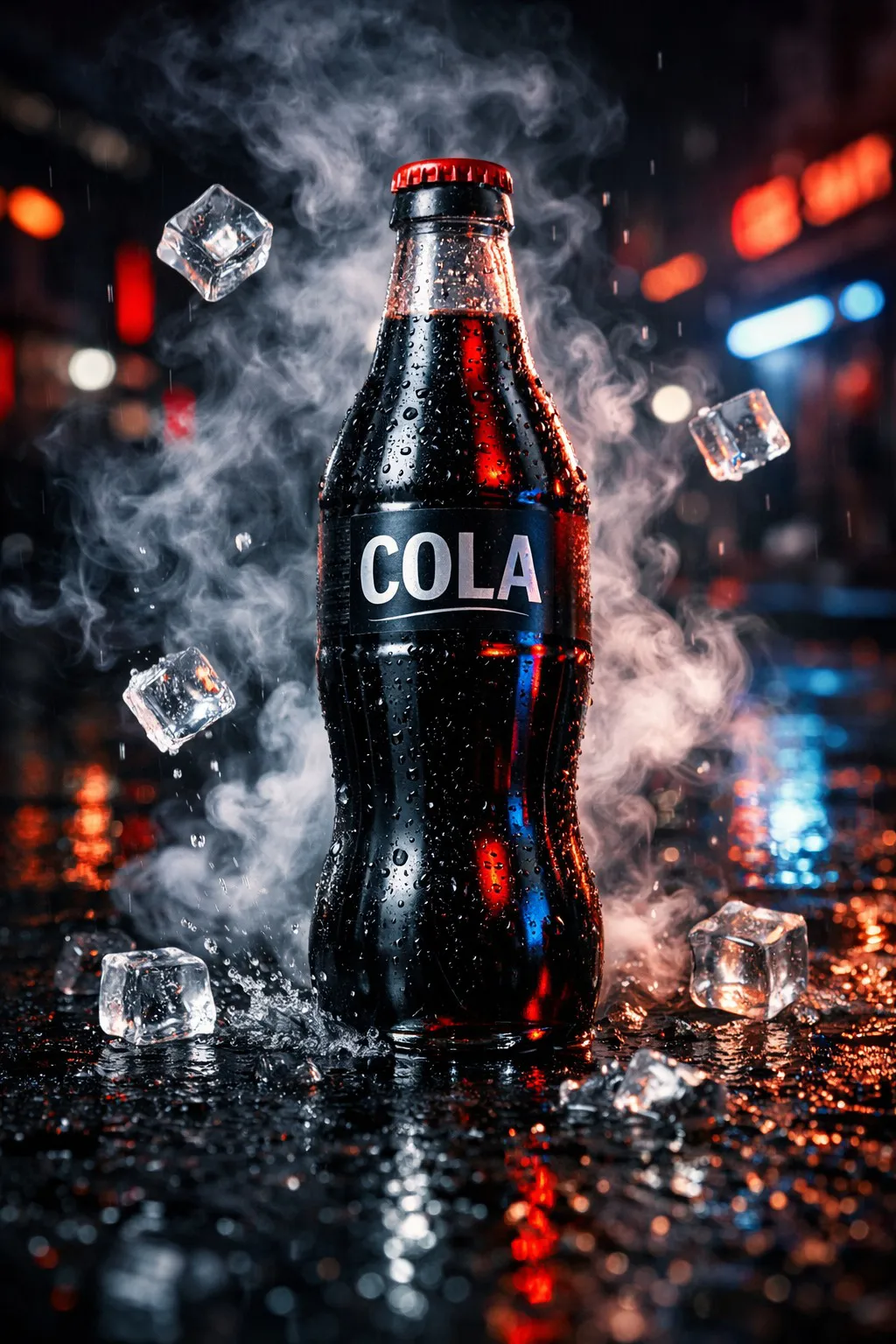
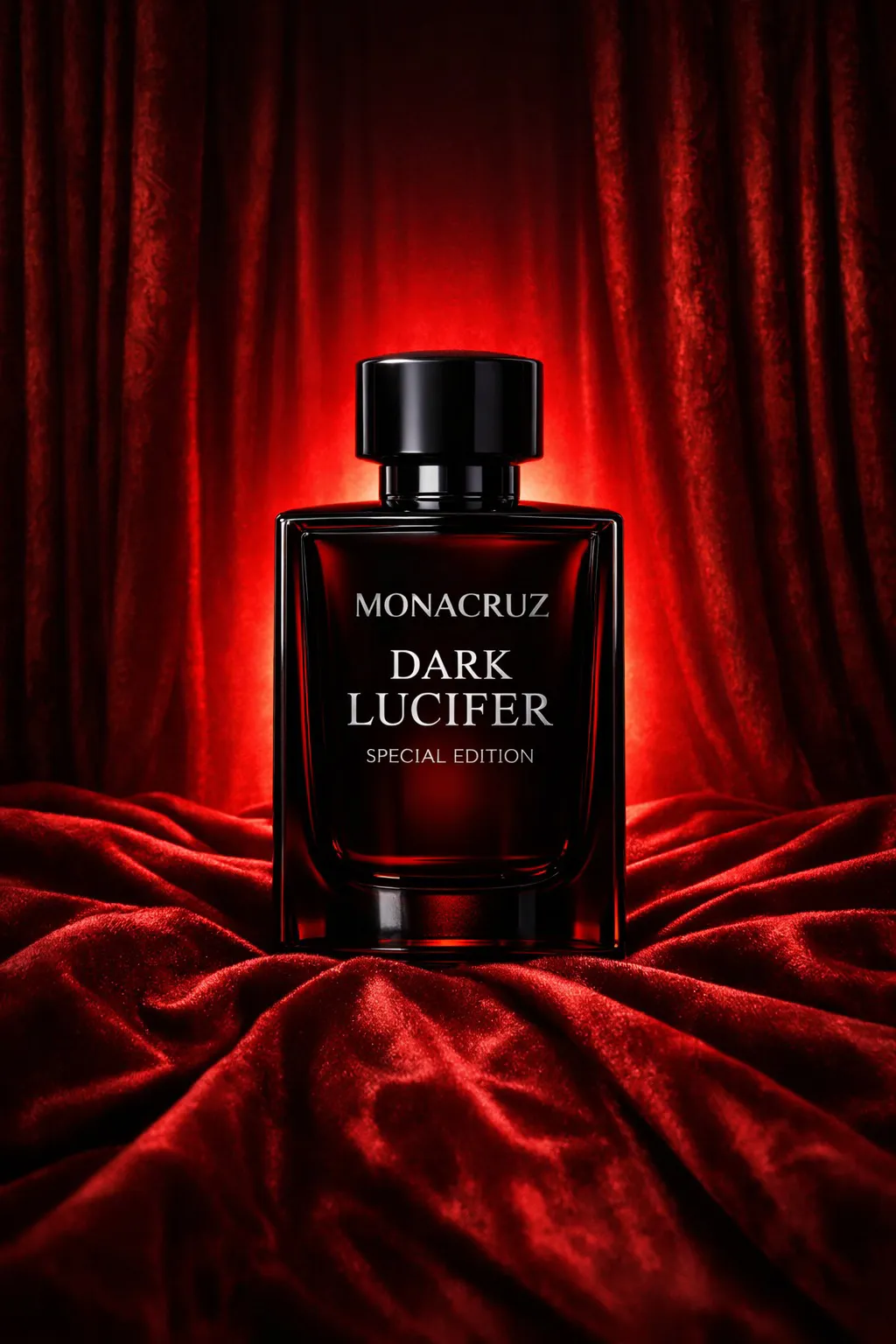
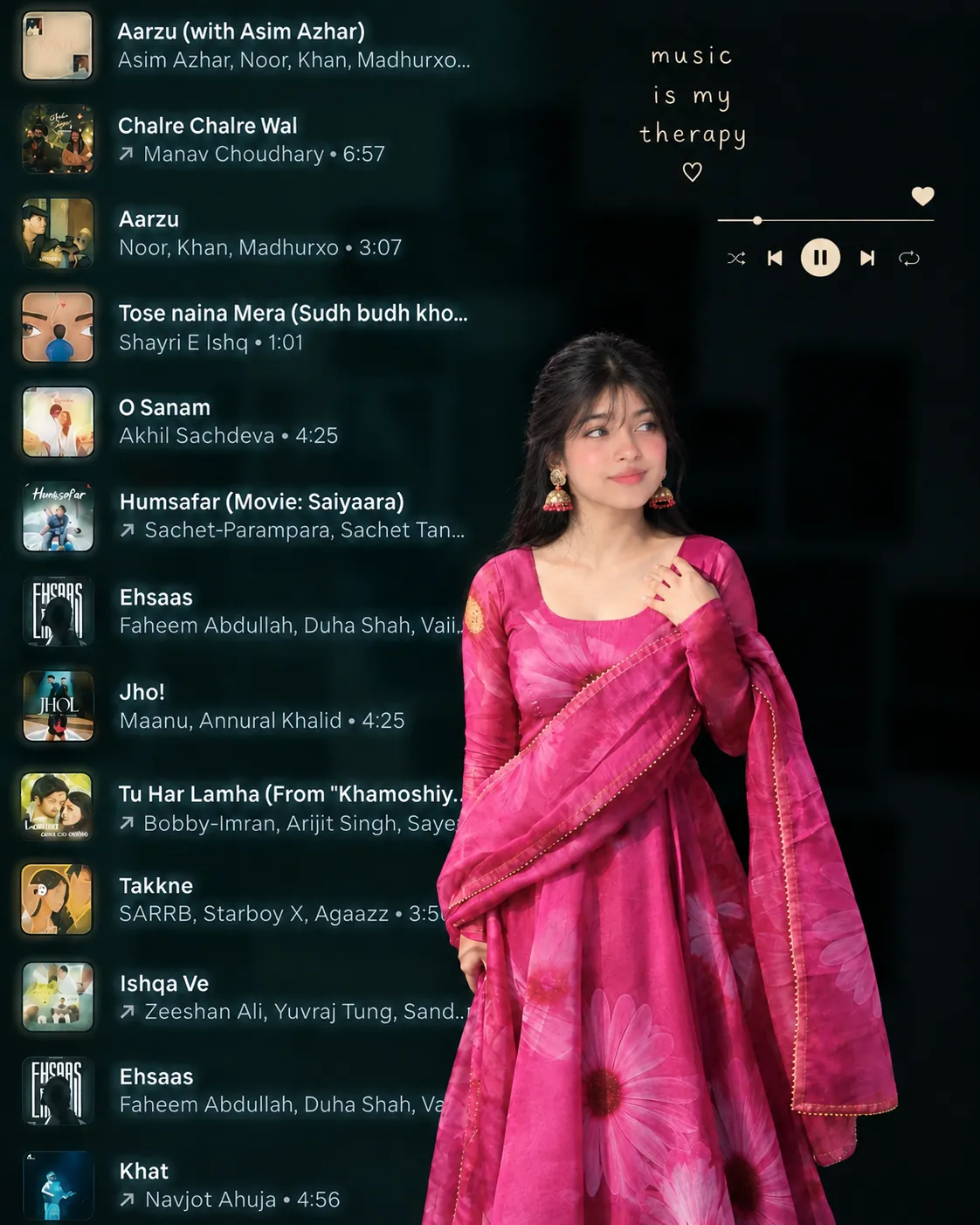
IMAGE 1 = MASTER TEMPLATE, IMAGE 2 = AUDIENCE PHOTO. Match subject position, scale, framing, camera angle, perspective, depth, lighting, HD color treatment and atmosphere of Image 1. Fit Image 2 naturally into the same position and scale. Keep Image 1's background/environment unchanged. Apply Image 1's color, lighting and HD visual treatment naturally to Image 2, while preserving Image 2's real face, identity, hairstyle and original clothing design/pattern. Remove Image 2's old background with clean hair/clothing edges. Follow Image 1's framing. Preserve natural pose and anatomy. Match ground contact, shadows, perspective and depth. Preserve all text visible in Image exactly as shown. DSLR-quality, realistic 8K, aspect ratio 4:5.
Interactive Prompt Remixer
Customize subject, lighting, or framing slots below — the prompt updates live while preserving proven camera syntax.
IMAGE 1 = MASTER TEMPLATE, IMAGE 2 = AUDIENCE PHOTO. Match subject position, scale, framing, camera angle, perspective, depth, lighting and atmosphere of Image 1. Fit Image 2 naturally into the same position and scale. Keep Image 1's background/environment unchanged. Apply Image 1's color, lighting and HD visual treatment naturally to Image 2, while preserving Image 2's real face, identity, hairstyle and original clothing design/pattern. Remove Image 2's old background with clean hair/clothing edges. Follow Image 1's framing. Preserve natural pose and anatomy. Match ground contact, shadows, perspective and depth. Preserve all text visible in Image exactly as shown. DSLR-quality, realistic 8K, aspect ratio 4:5.
Compatible Models
How to Customize
Swap the subject, wardrobe, or color palette while keeping the lighting and camera phrasing intact. In Midjourney, add --ar 4:5 for portraits or --ar 16:9 for cinema frames.
Keep Exploring